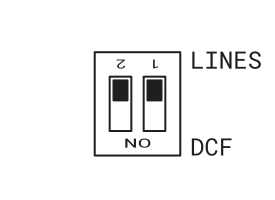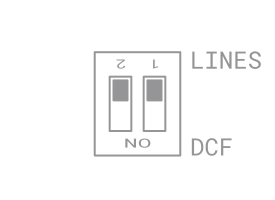

Slave Line Connection#
Connect the Slave clock line to terminal L1. The Slave line is connected in a cascade (daisy-chain) configuration.
Set the type of Slave line depending on the type of clock.
Caution
For minute impulse line:
The minute impulse line may cause the first pulse to be ignored, resulting in one-minute delay.
If this situation occurs, it is necessary to reverse the polarity on the affected clock while the line is stopped – reverse the polarity of the connection cable. Afterwards, it is essential to manually set the time on the affected clock to the exact correct time.
Analogue Clock#
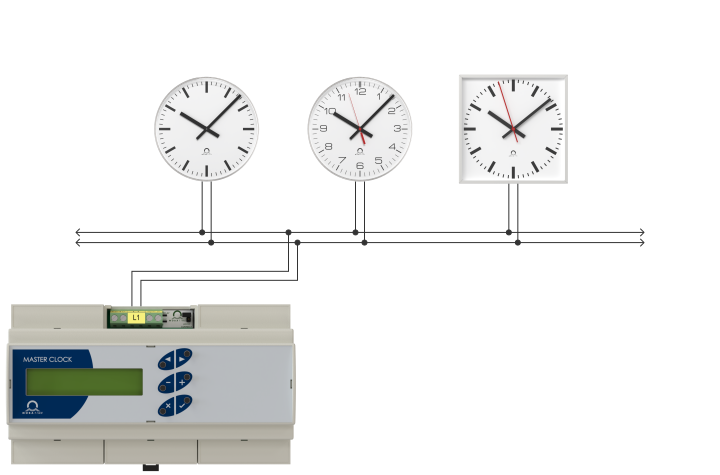
Warning
It is important to check your analogue clock movement type before you connect the clock to the terminal L1. Connecting the clock to incorrectly set slave line may cause damage to the analog clock movements.
Digital Clock#
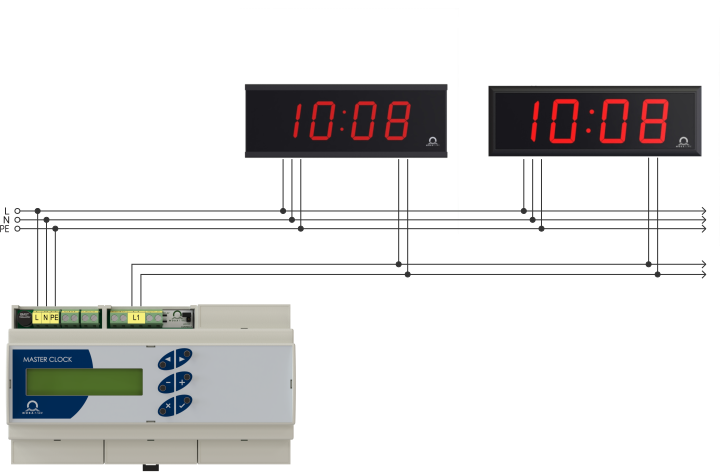
Warning
It is important to check the terminals on the clocks PCB before you connect the clock to the terminal L1. Connecting the clock to incorrectly set slave line may cause damage to the clock electronics.
Generation 3 Digital Clock
Switch the JP11 (Jumper Line Type) on clock PCB to desired Slave line type.
1
For detailed instruction, please see generation 3 digital clock user manual.
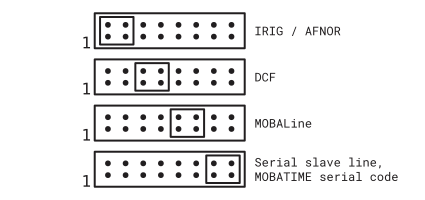
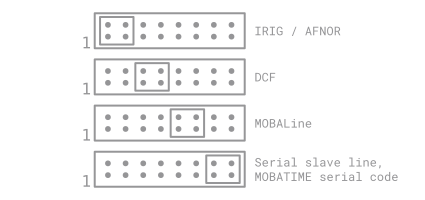
Generation 4 Digital Clock
1
For detailed instructions, please navigate to https://docs.mobatime.cloud website. Open your desired digital clocks and navigate to Mounting → Cable Connection chapter.
Switch the DIP switch on clock PCB to LINES position.