

Power SAVE#
Navigation
Description
An automatic mode where the clock display is switched off at set time interval. If one of the push-buttons or the IR remote controller is pressed, the display is briefly switched on. At this time the clock can be operated normally.
After 10 seconds have elapsed since the last press of the button or push-button, the clock display will switch off again.
Entry into this mode is indicated by the display of SLP for 1 second.
Available Settings
Value(s) |
Description |
|---|---|
0 |
Power save mode disabled |
1 |
Power save mode enabled |
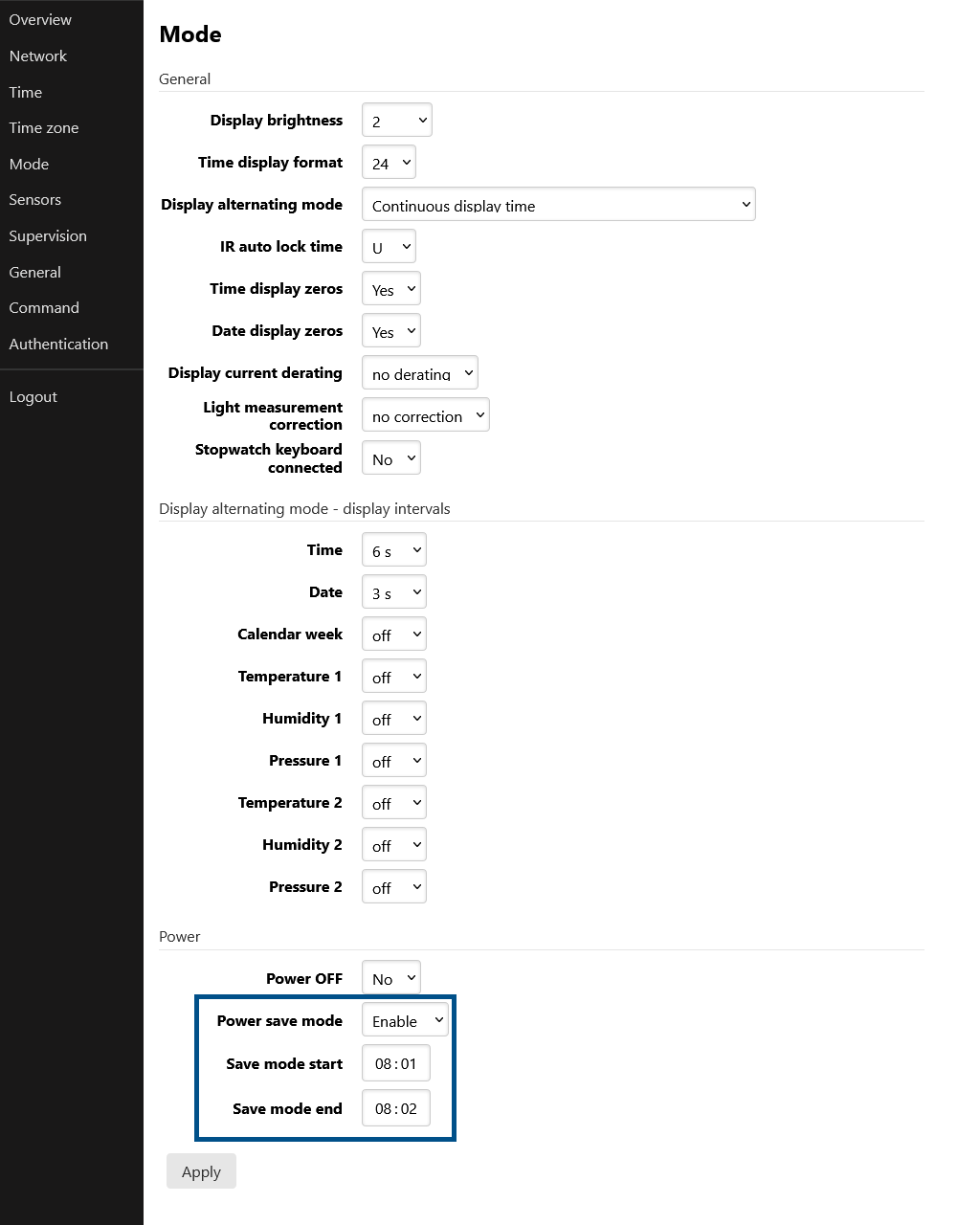
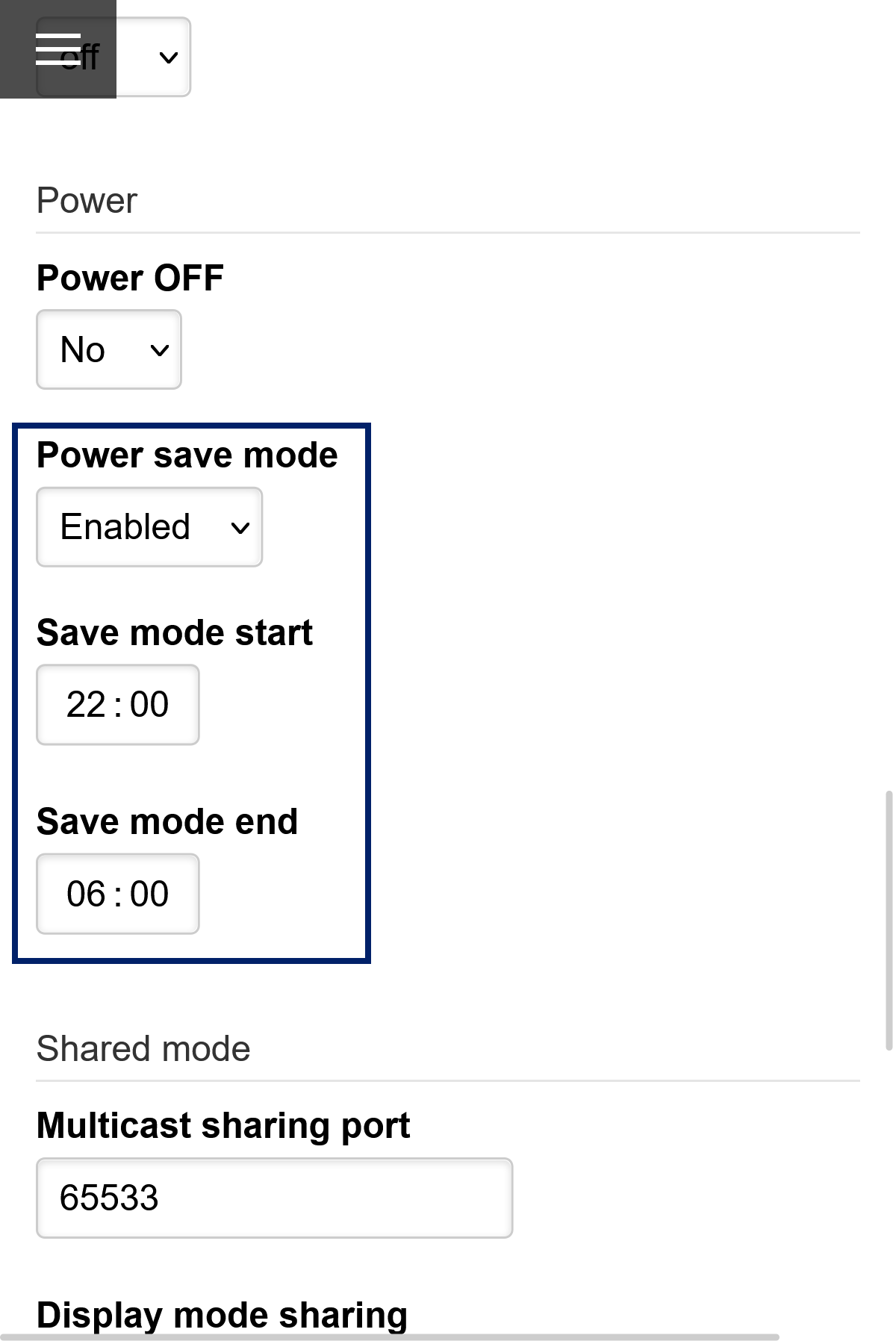
Alternatively, activation can be done via Web interface – Mode Tab.
Note
Following start and end time submenus are accessible only if the Power save mode is activated.
SAVE Mode Start Time#
Navigation
Submenu
The Save mode start time can be set by this submenu:
Value(s) |
Description |
Range |
|---|---|---|
|
Setting of hour |
Range 0–23 |
|
Setting of minutes |
Range 0–59 |
SAVE Mode End Time#
Navigation
Submenu
The Save mode end time can be set by this submenu:
Value(s) |
Description |
Range |
|---|---|---|
|
Setting of hour |
Range 0–23 |
|
Setting of minutes |
Range 0–59 |