

Firmware update via SNMP#
Click here to download the latest firmware file - version r8.25
Install TFTP server (e.g.
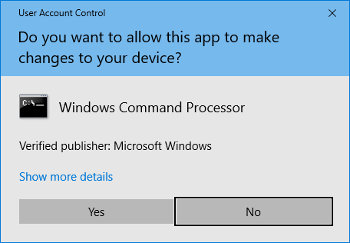
tftpd32).Allow access in Windows security window after opening TFTP server file.
Place the firmware file named
device.updto folder from which your TFTP server serve files.Open your SNMP manager software and load MIB file.
Note
To download the MIB file, visit the following URL: https://docs.mobatime.cloud/ECO-M-DK/snmp
Find variable
mbnscCommandFirmwUpd (OID = .1.3.6.1.4.1.13842.6.2.7.4)and set it todevice.upd.In dependence of your TFTP server, information about update progress is displayed.
Wait about 1 minute after firmware download.
Check whether the firmware version is correct.
Note
If the firmware version is not correct, it is necessary to repeat the procedure.