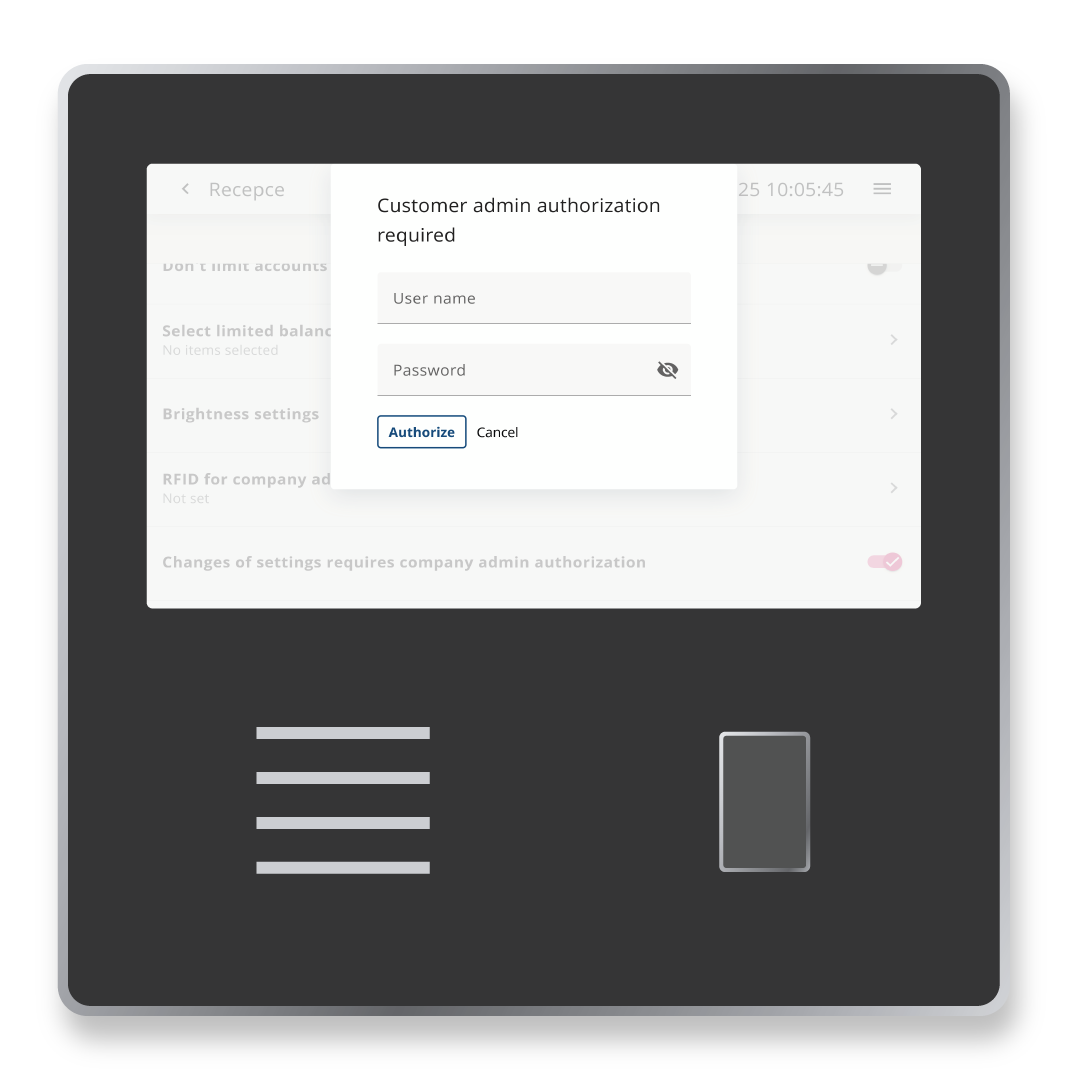

Terminal#
The Terminal tab allows you to set many options.
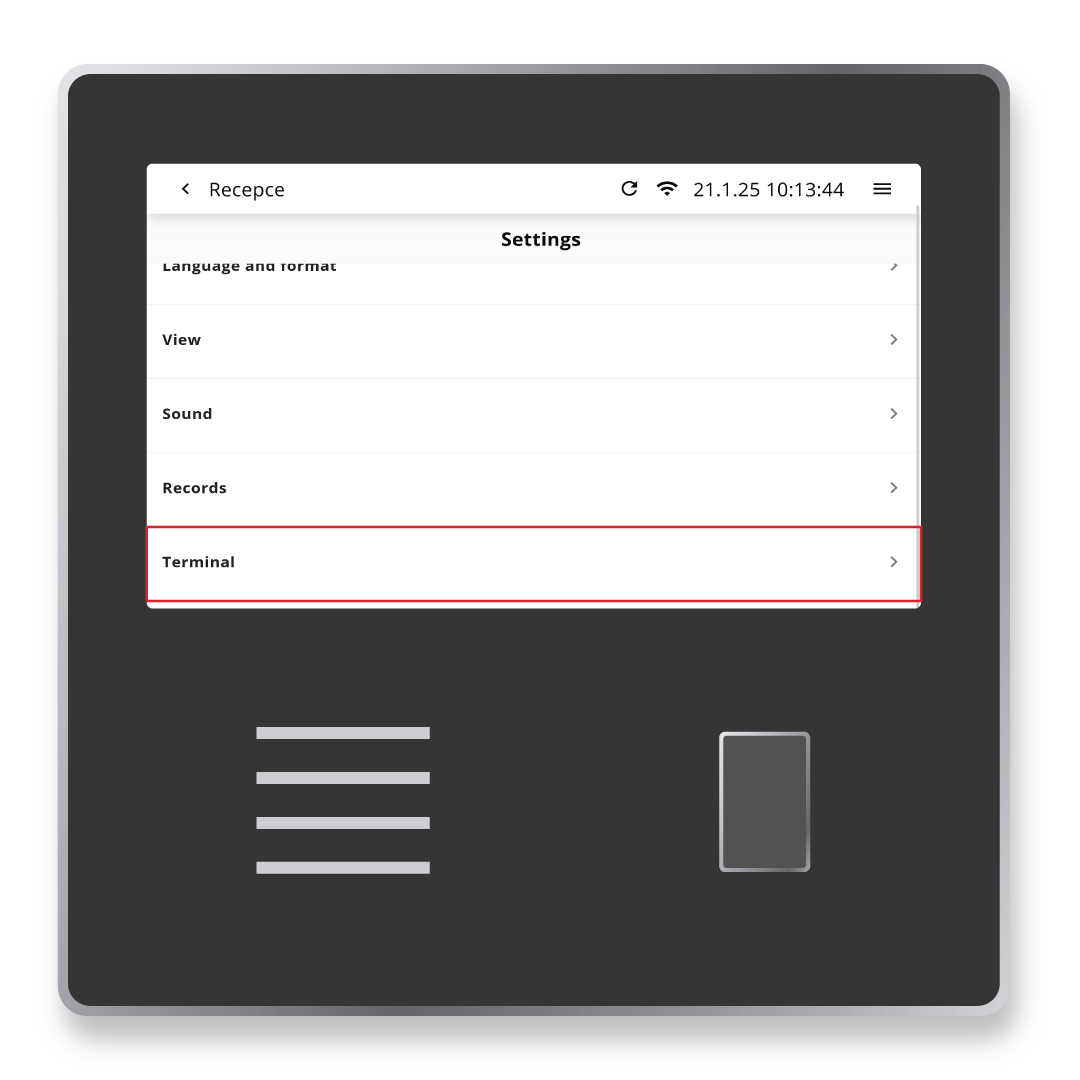
Time Limits#
Limits for reading editing, displaying inforamtion and alerts before the time limit expires.
The values determine after how many secodns you will be logged out due to inactivity. The screen then switches to the initial terminal view.
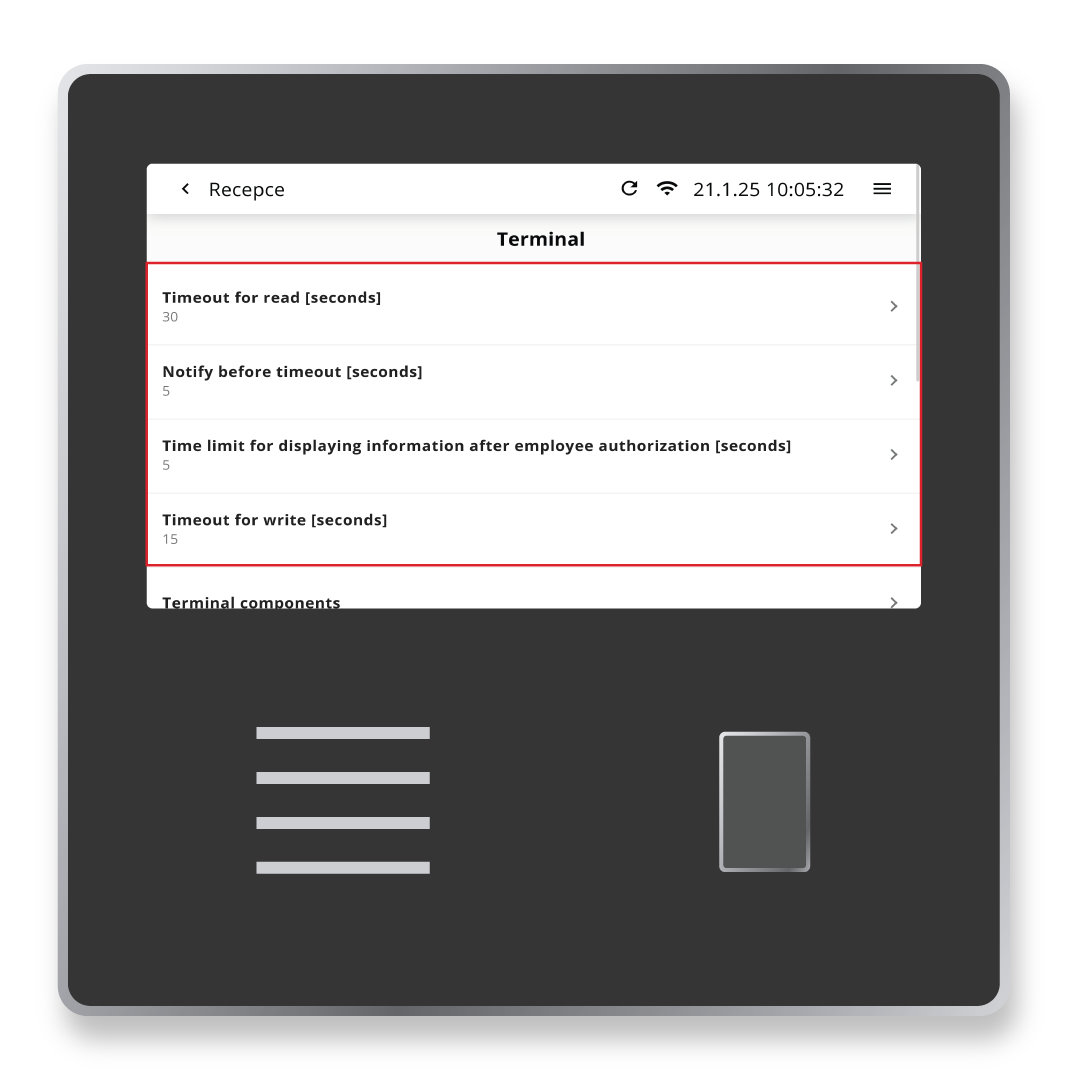
Terminal Components#
In this section you set the appearance of the terminal splash screen. It is possible to select the components to be displayed on the splash screen.
You can keep all or remove some components. Or you can customize the display of the employee menu.
Accounts Display#
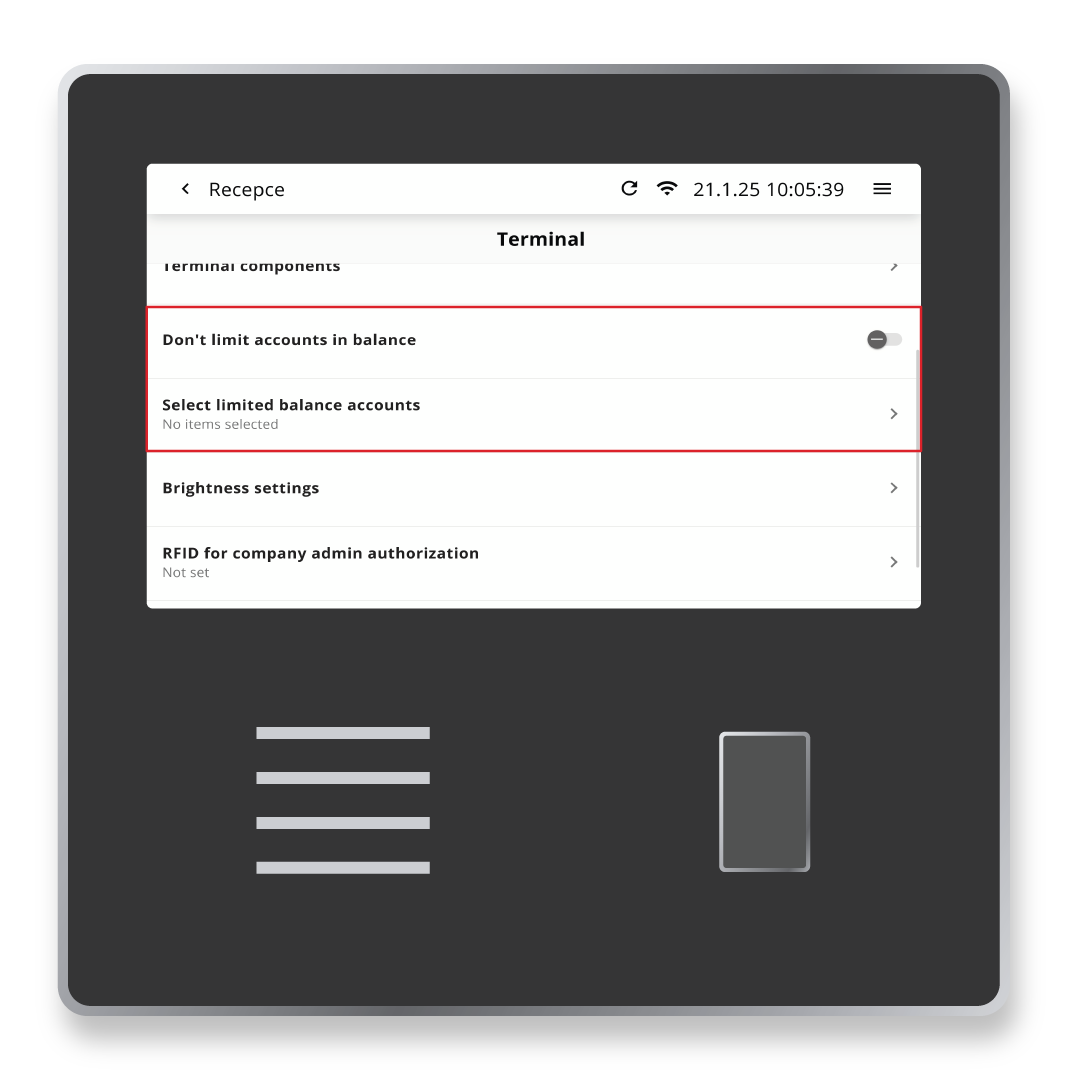
The Accounts Display in the balance sheet is not limited – this means that all acounts you report will be dispayed in the attendance information called balance sheet.
You can customize this display.
Brightness Settings#
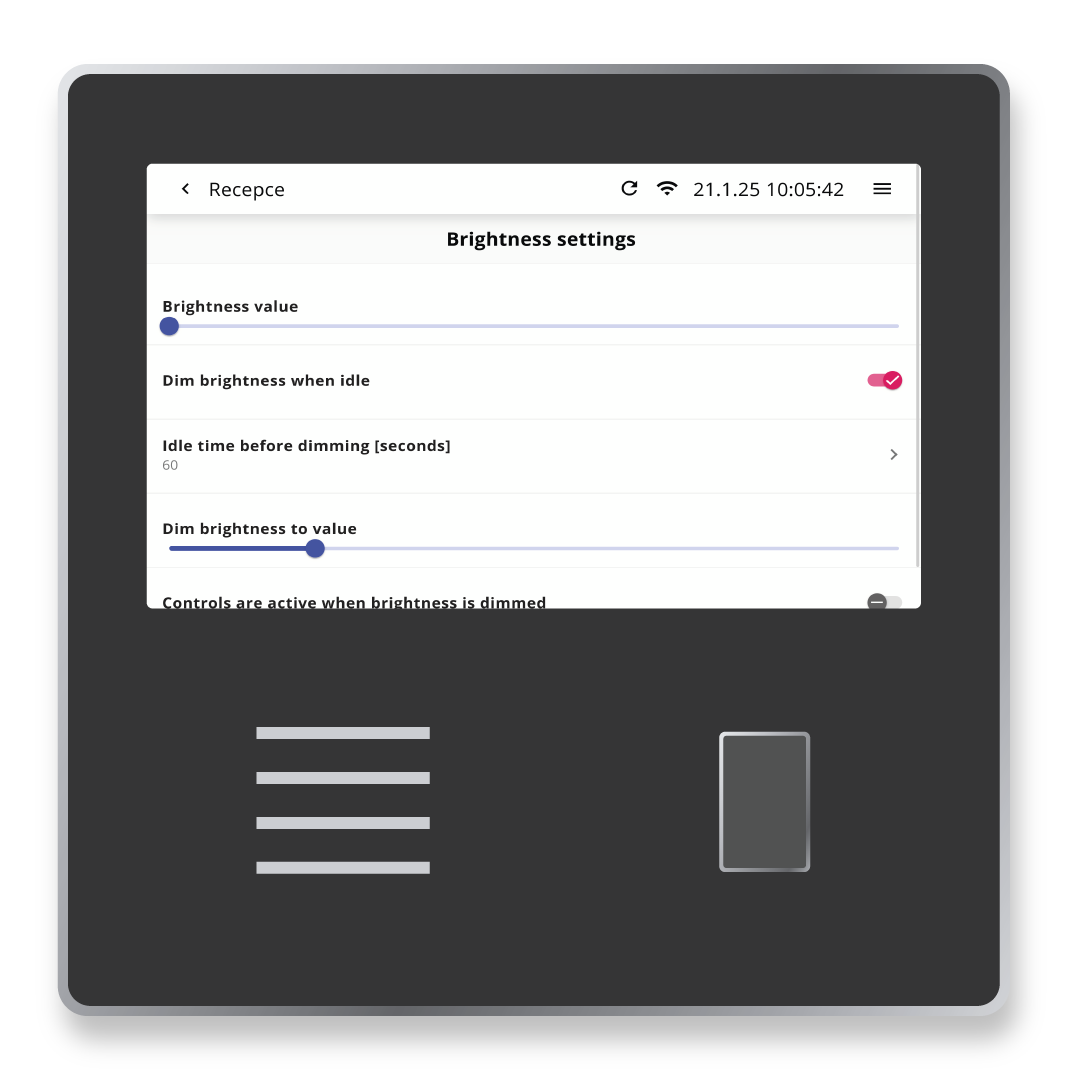
In this setting is the possibility to set the screen brightness and also the limit when the brightness is dimmed during inactivity.
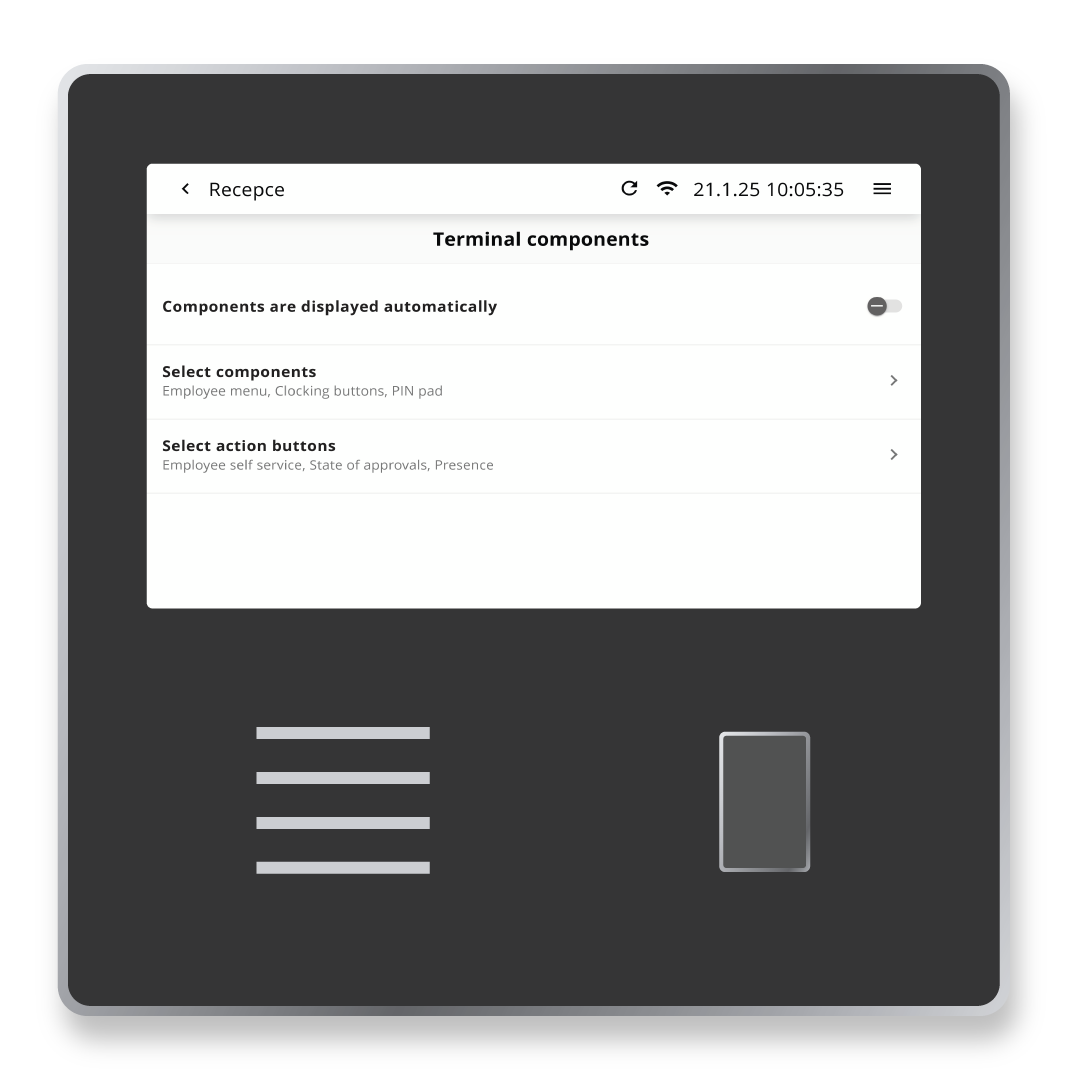
Changes Require an Administrator Login#
To prevent modification of terminal settings, it is recommended that you activate this feature by logging in as an administrator.