

Wall Mounting#
Step 1
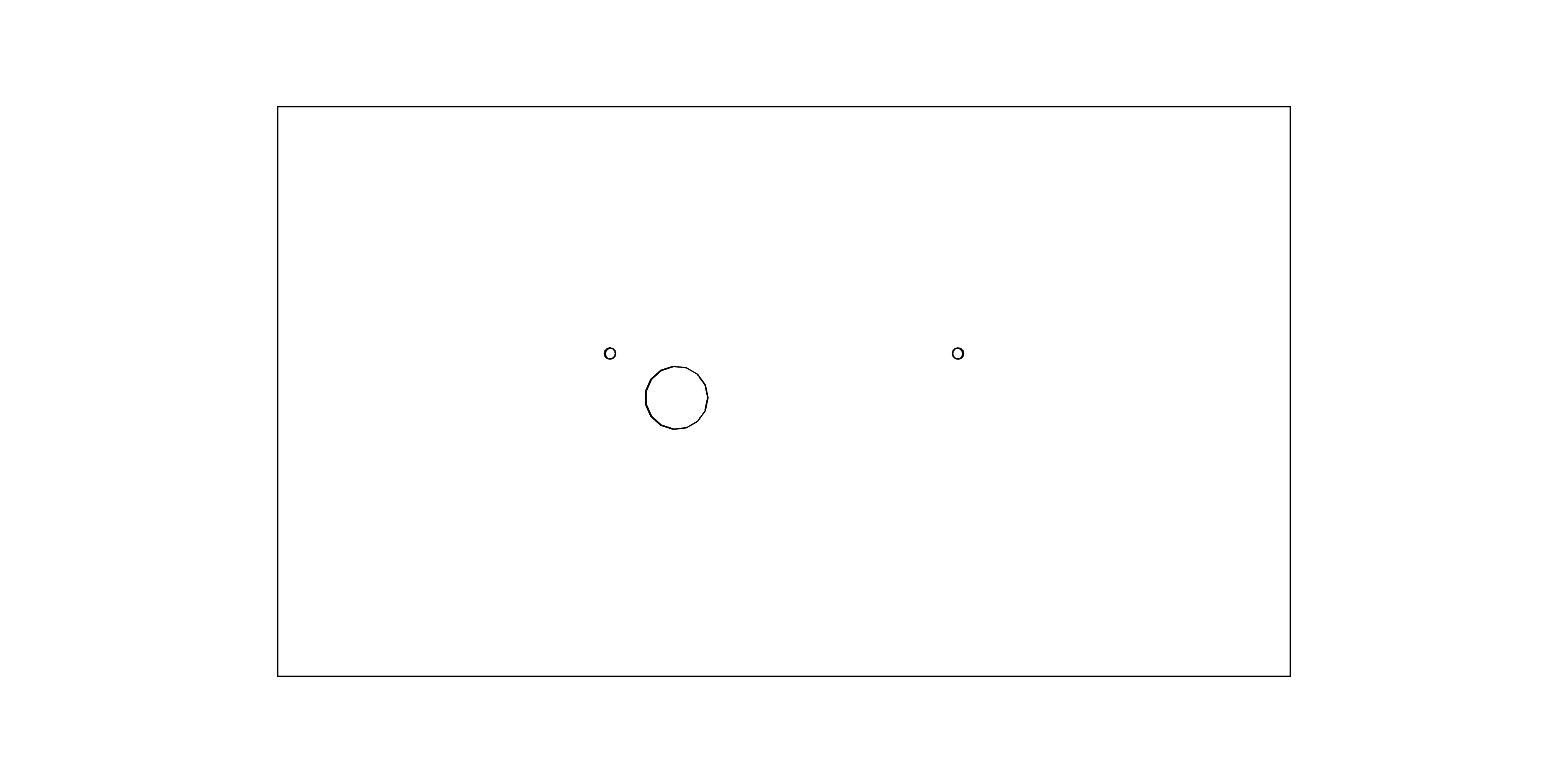
Drill two anchoring holes into the wall of a diameter adequate to accommodate supplied wood-type screws with dowels.
Hint
See chapter Diagram & Dimensions for hole spacing.
Step 2
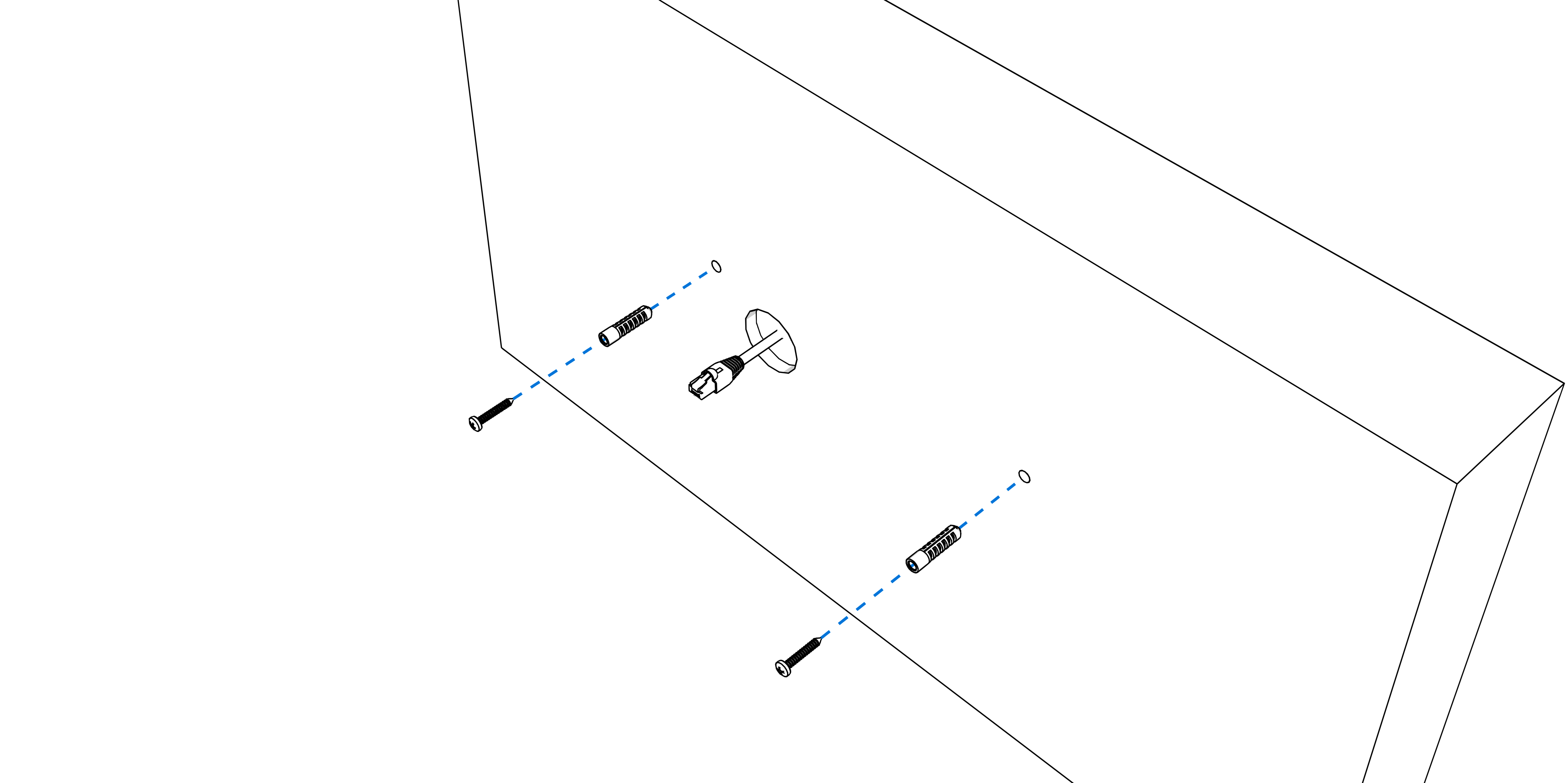
Insert the dowels into the prepared holes and screw in the screws, leaving the screw heads at least 3 mm proud of the wall.
Step 3
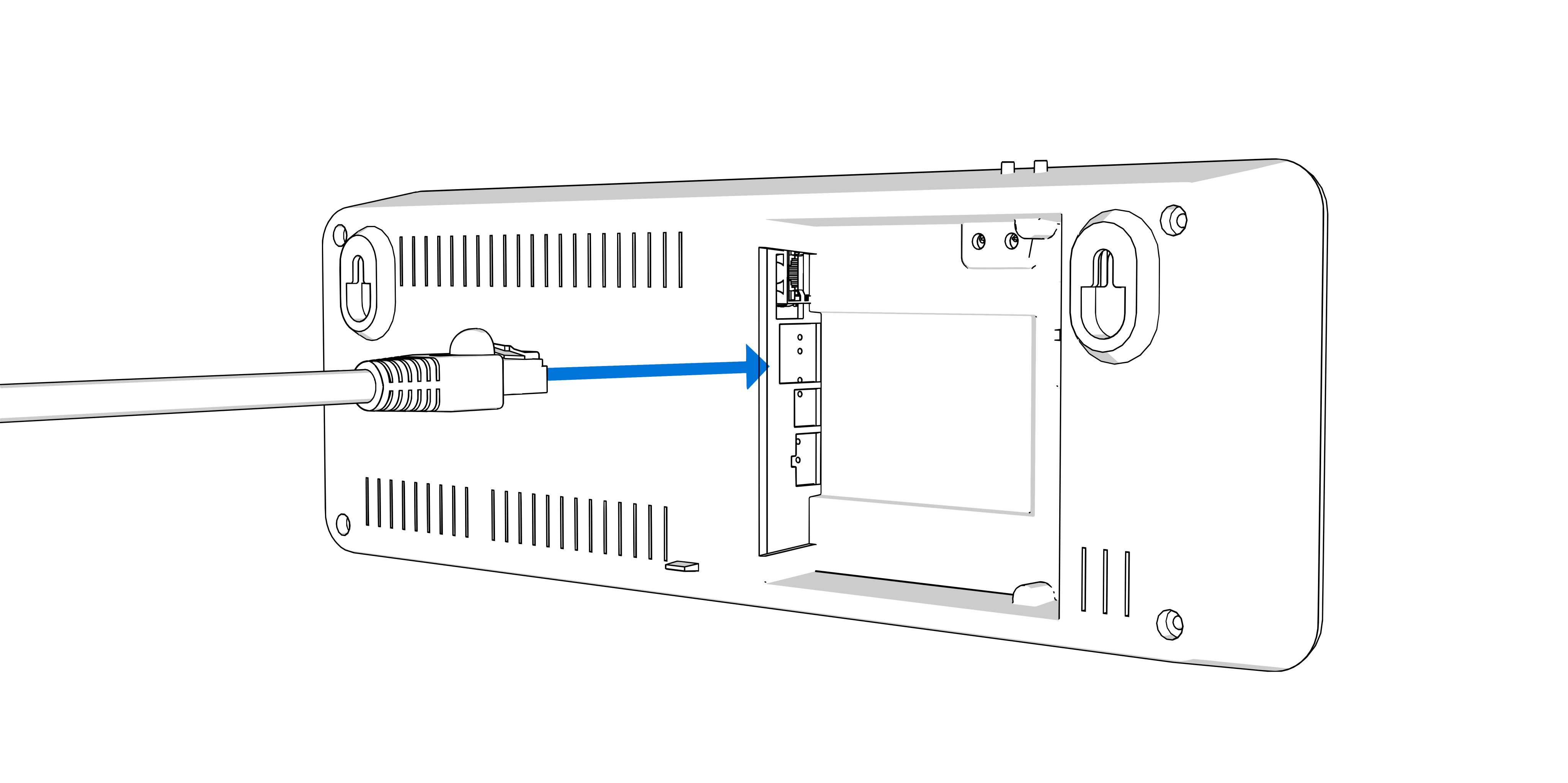
1
See chapter Cable Connection.
Shape or shorten the conductors so that their routing does not obstruct proper positioning and securing of the clock.
For mains‑powered clocks, mount a wide 2-pin plug-in terminal to a incoming power conductors and plug it into a corresponding terminal in the back side recess.
For PoE powered clocks, connect a PoE‑enabled Ethernet cable to the RJ‑45 connector in the back side recess.
Use a PoE switch port or PoE injector that provides the required PoE power.
Mount an appropriate plug-in terminals to the wires of the respective component (e.g., temperature sensor, keyboard, or RS‑485 interface) and plug them into the corresponding terminal in the back side recess.
Connect the Ethernet cable to the RJ-45 connector, if available.
Caution
Be careful not to swap the terminals. Check the markings of the terminals on the labels in the back side recess.
Caution
For the LGC variant, set the DIP switch according to the used synchronization signal (its position can be found in the chapter, marked with the letter B).
For lines synchronization, keep the DIP switch in its default position.
For all other synchronization signals (DCF, MOBALine, polarized impulse line, IRIG‑B), set the DIP switch to the DCF position.
See the chapter Clock Operation > Non-network Clock Operation for detailed information about connecting the various synchronization sources and receivers.
Step 4
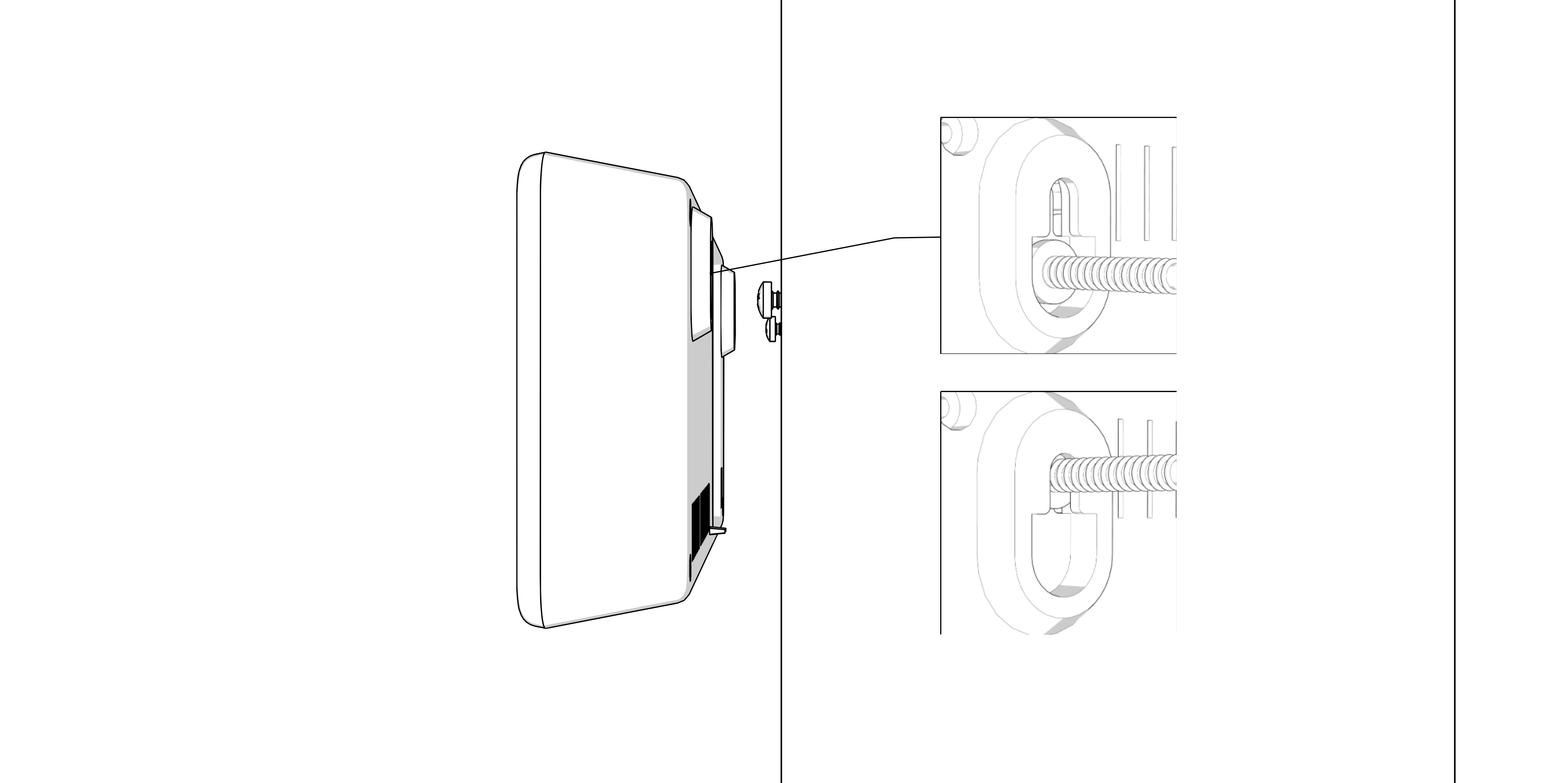
Hang the clock on the prepared screws in the wall.
Hint
If the clock has to be tilted down slightly, cut the supporting element on bottom of back side accordingly.