
Overview#
The iTA attendance system features an overview — a dashboard that displays employee presence, request approvals, daily attendance, and statistics across separate tabs. This is the system’s landing page.
To open the page, click .
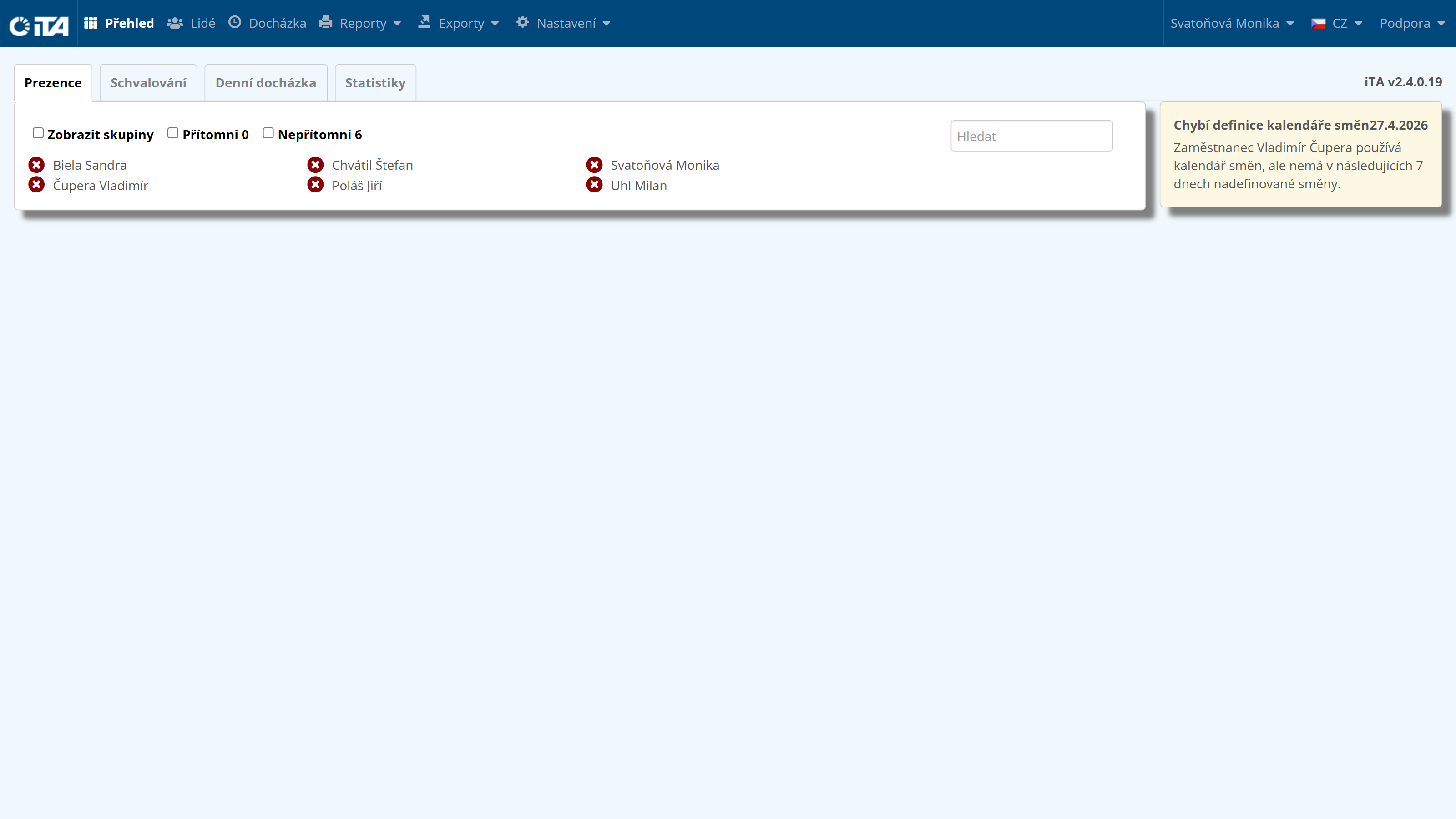
Presence#
This section displays a summary of employees and their presence at the workplace (if the employee has the relevant permission), along with any messages your attendance system administrator may have configured for you. Messages displayed in this section include vacation approvals, sick leave, and others.
Options
- Show groups:
Groups employees in the overview according to configured groups.
- Present:
Shows only present employees.
- Absent:
Shows only absent employees.
- Events:
The overview also displays reporting records.
- Automatic refresh:
Presence automatically updates every 5 minutes to reflect the current status.
Approving#
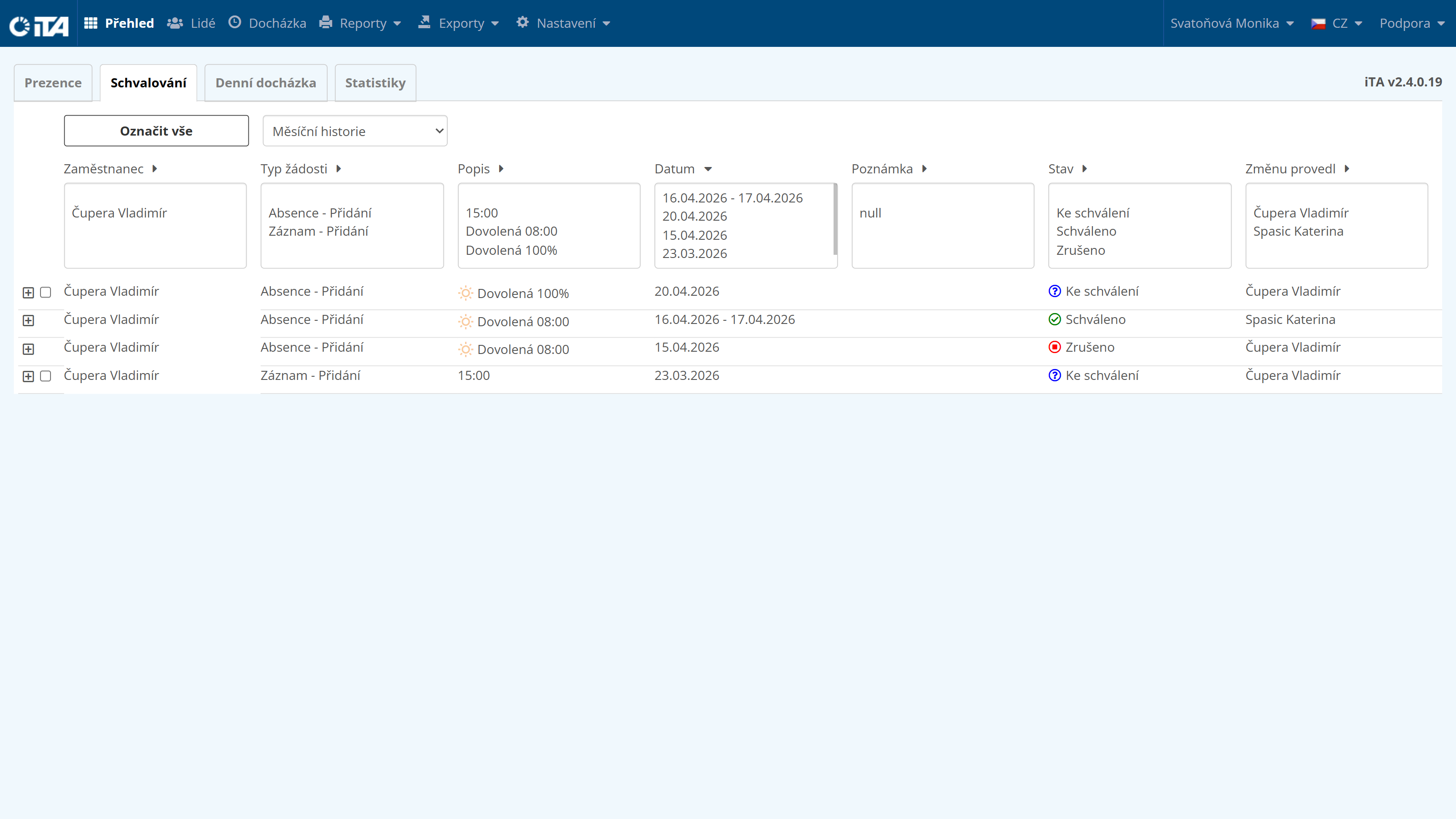
Contains all of the employee’s requests and their status.
Daily Attendance#
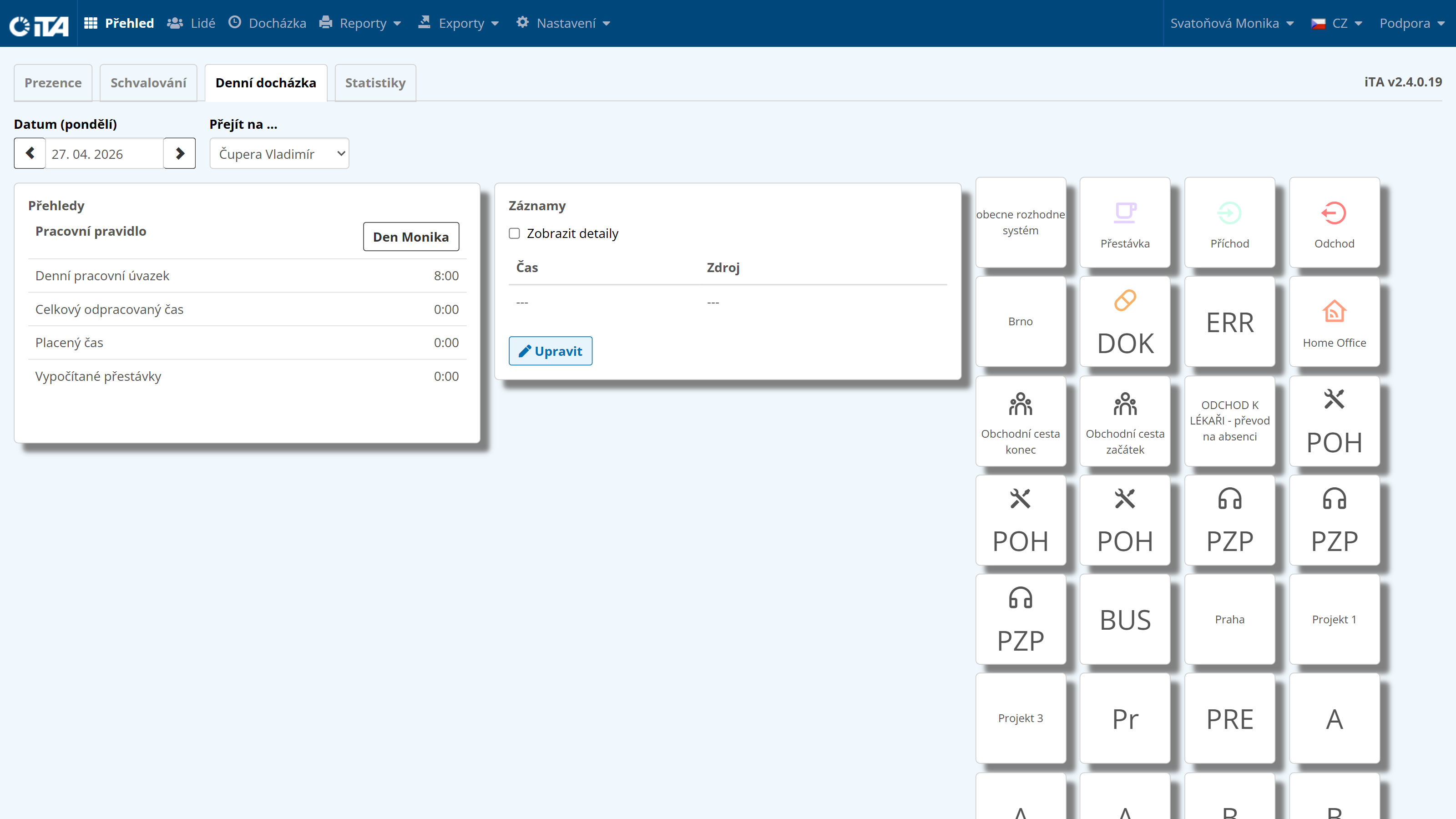
Contains information about the employee’s attendance and, depending on the assigned permissions, may also include “tiles” for individual record types. These tiles let you add a clock-in or clock-out time, Home Office, and similar entries. The menu offers the available record types.
Statistics#
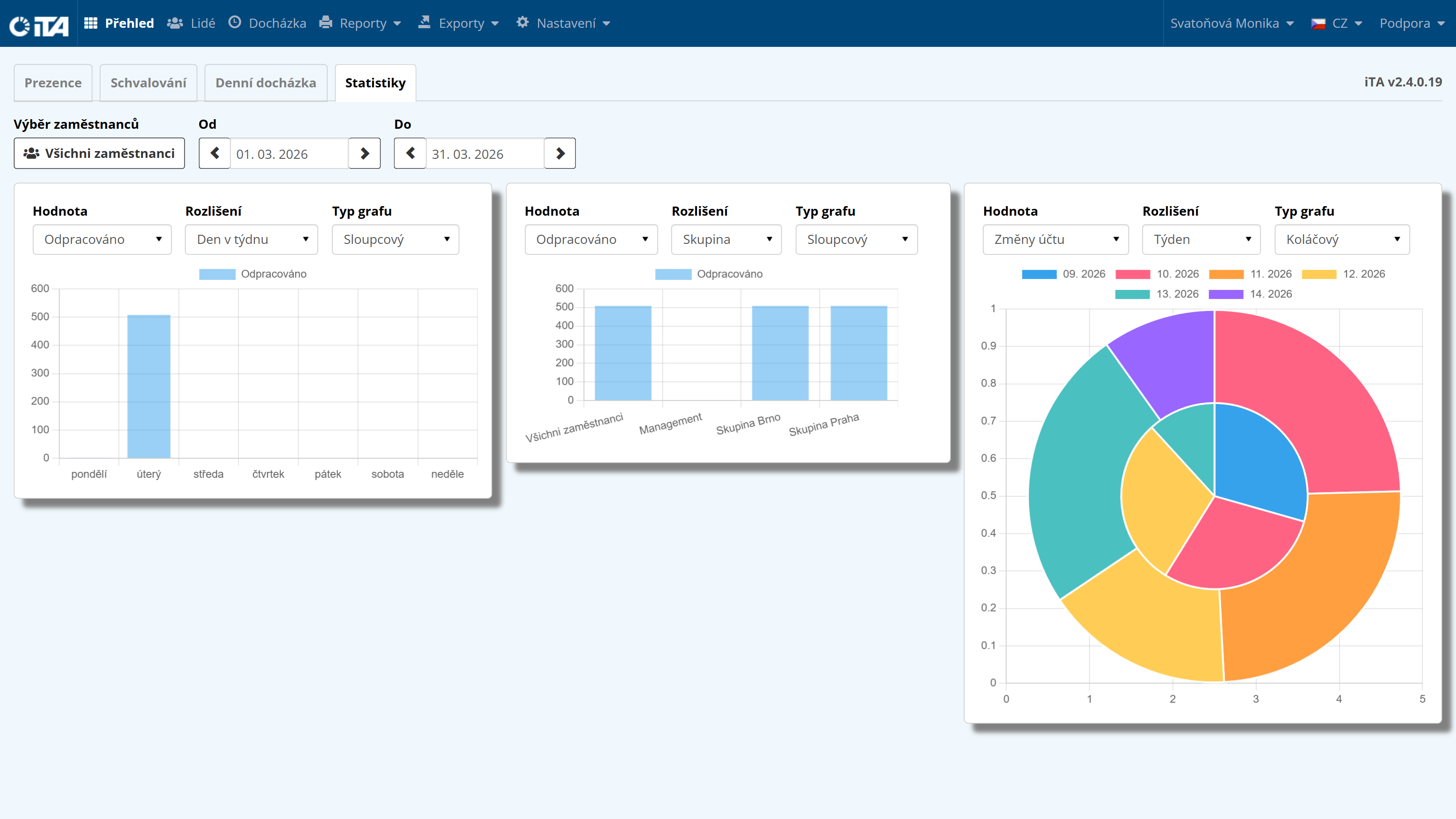
Displays a graphical representation of the employee’s attendance.
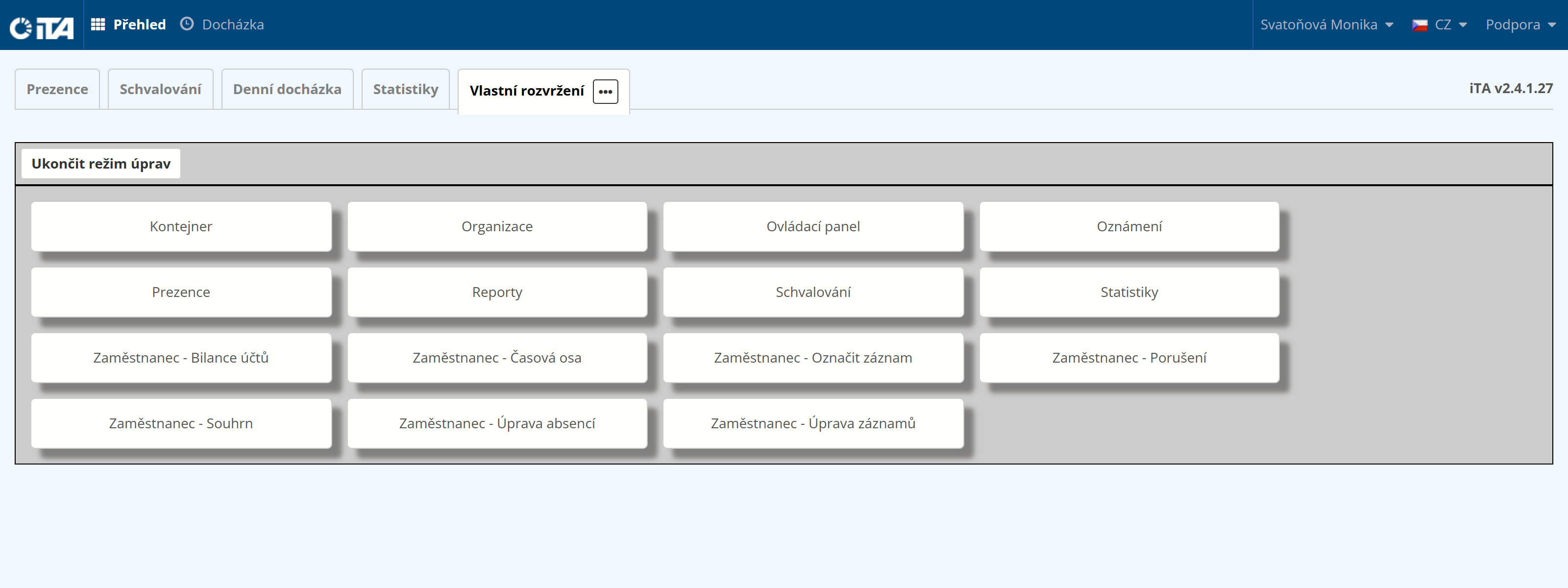
Custom Layout#
Allows you to configure the appearance of individual modules according to your requirements, and then export the layout and send it to other users.
To make changes, please contact iTA support.