
Account Management#
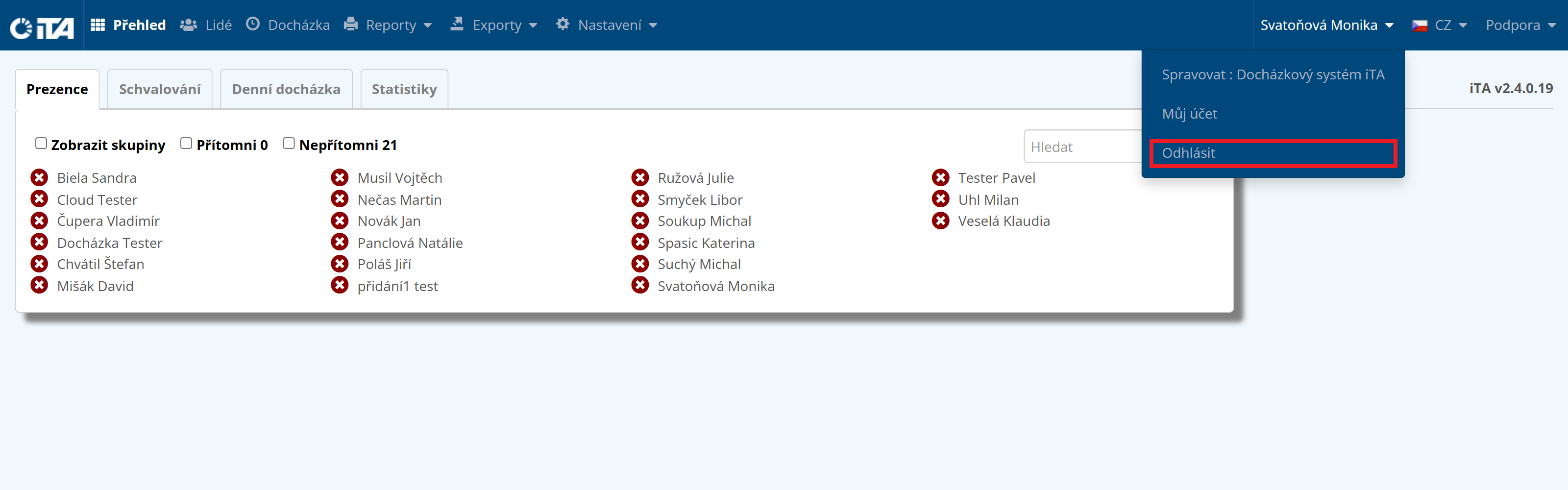
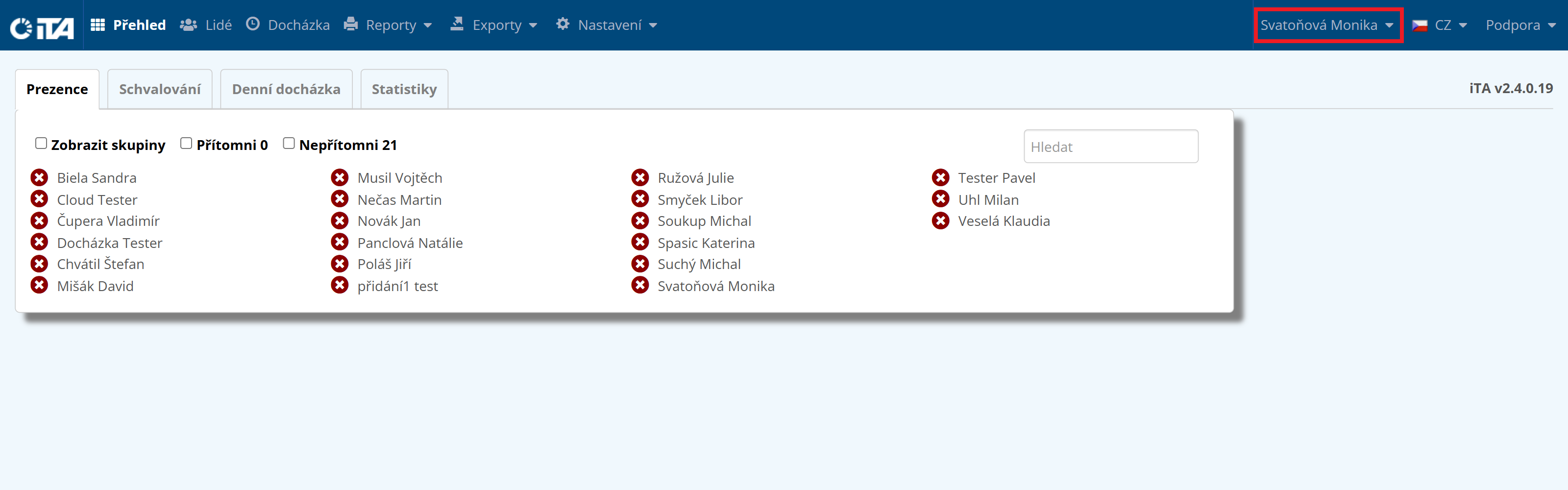
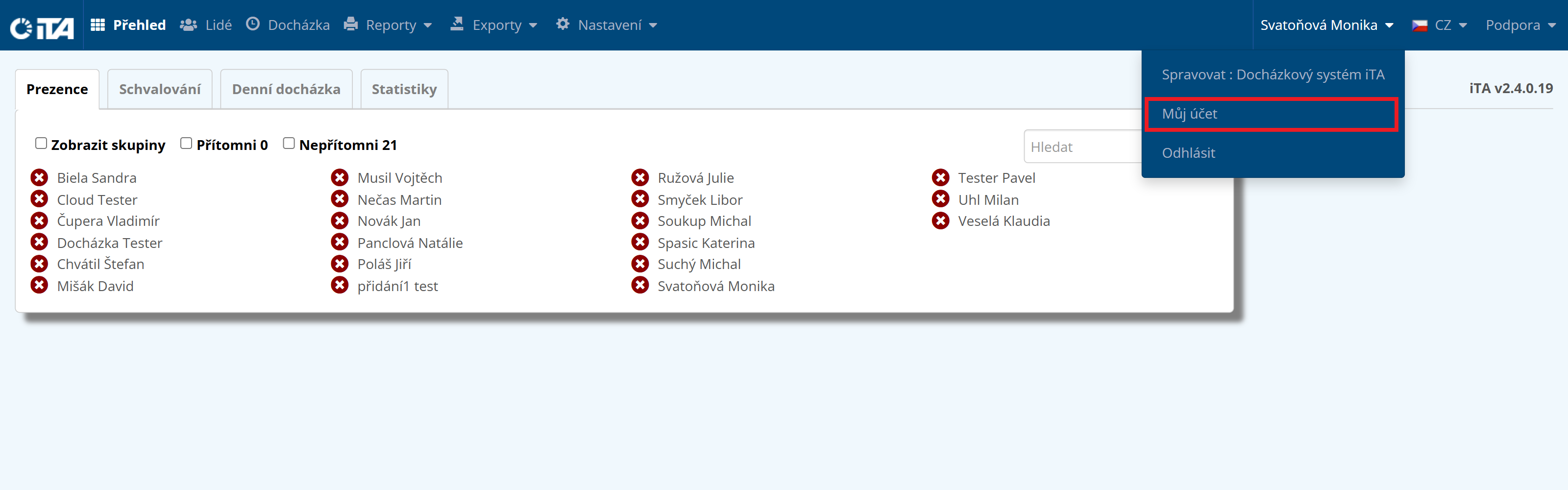
To manage your account, click your username in the top right corner. Your account offers several options. Here you can manage your company, change your password, or log out.
Manage Company#
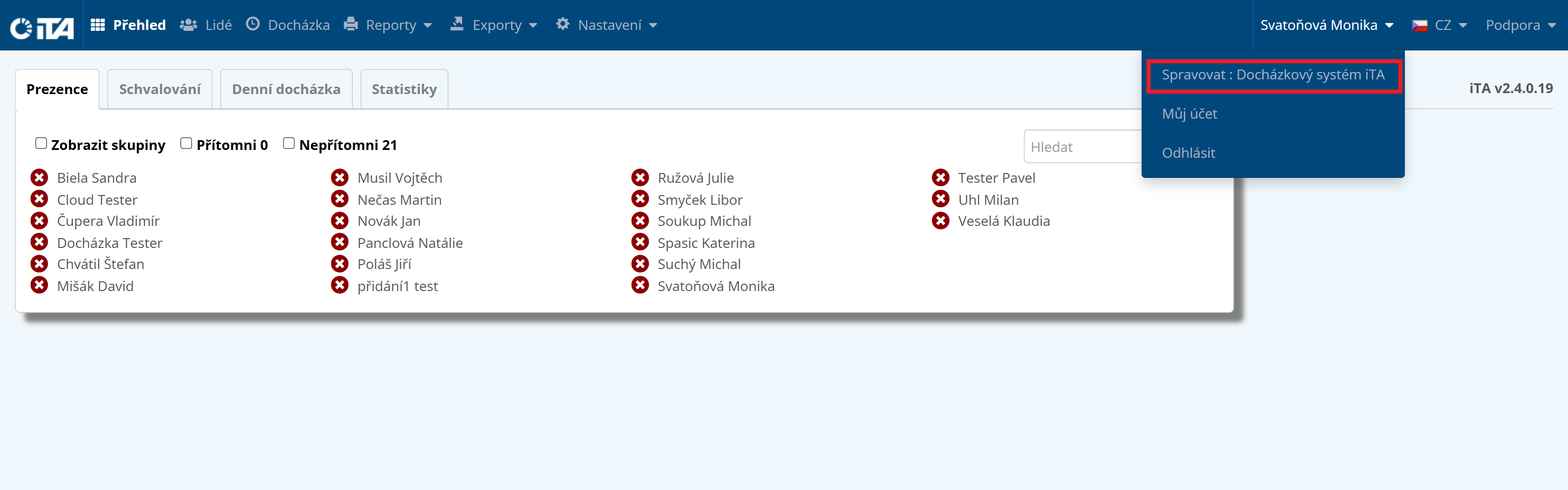
Here you can configure detailed information about your company.
- Customer basic information:
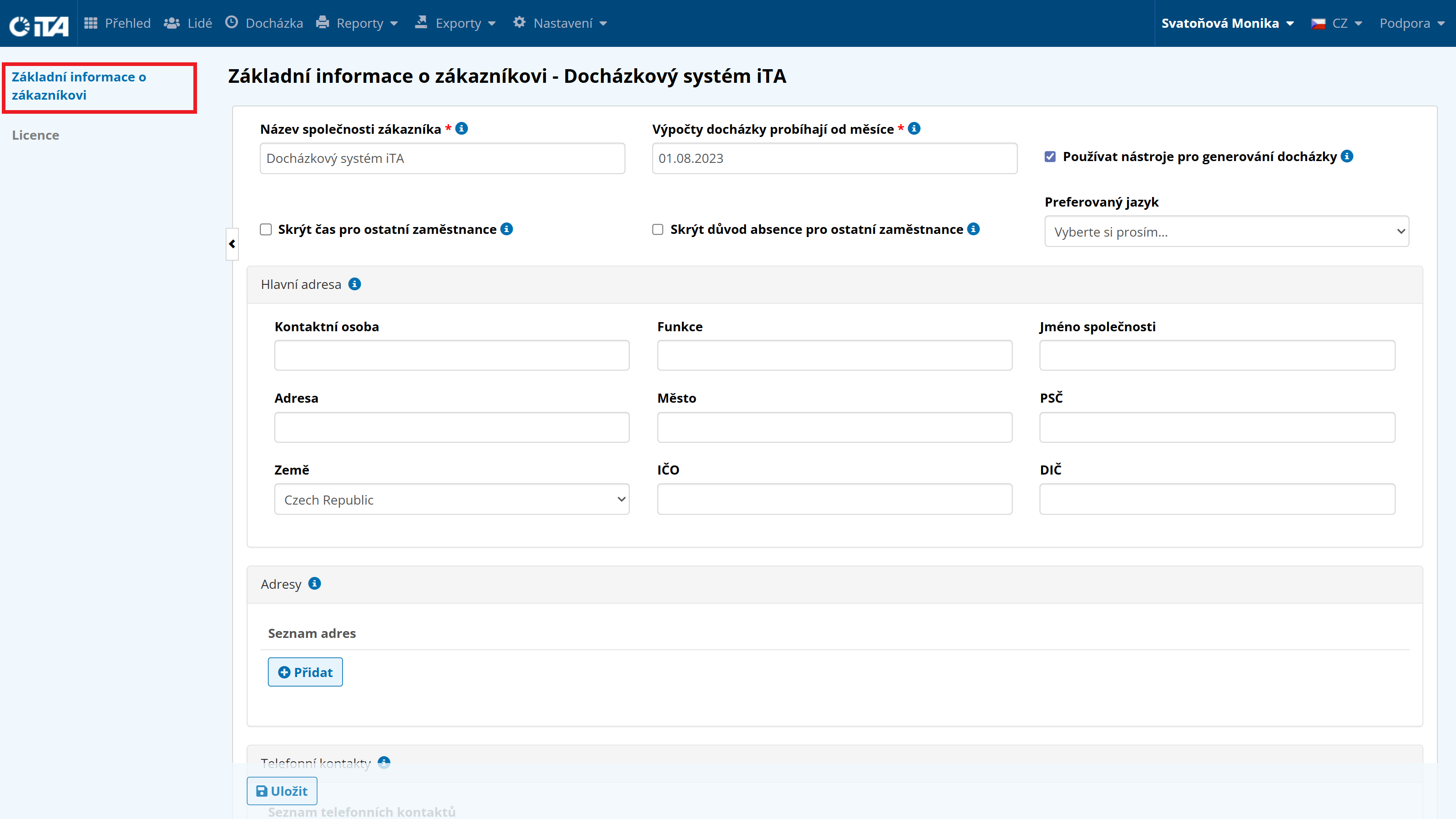
This section lets you edit company details such as the address, phone number, email for system maintenance notifications, and so on. This section is intended primarily for the system reseller. For any changes, please contact them.
- License:
Information about iTA license validity and the activated system features.
Customer Basic Information#
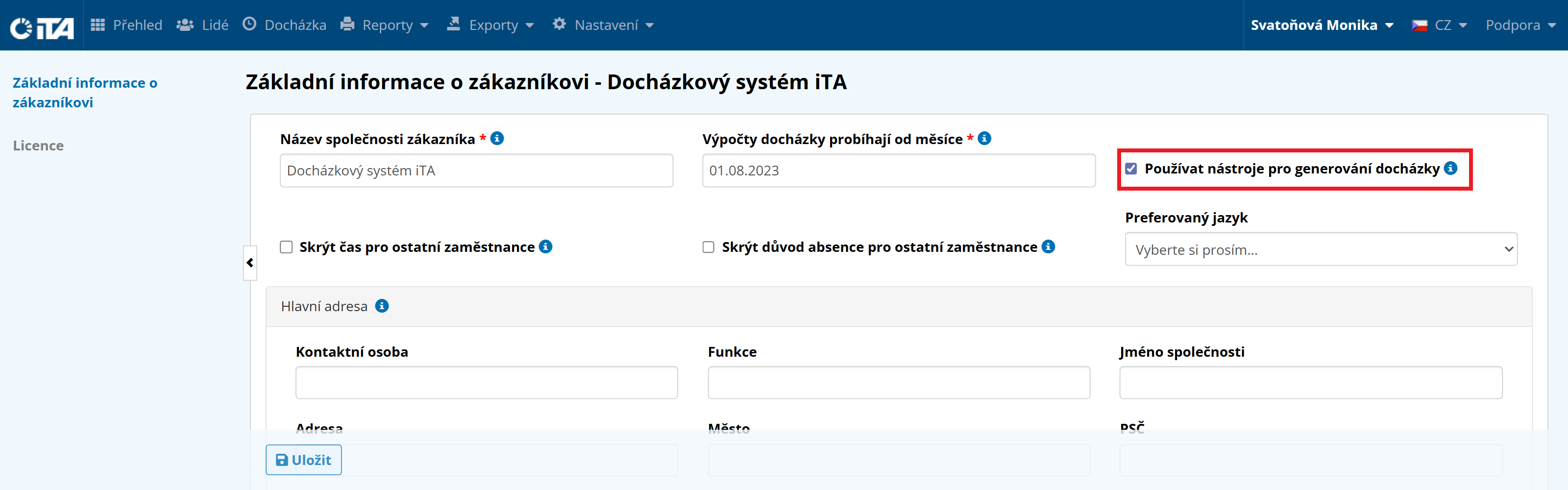
Attendance Generation#
Selecting this option enables the automatic attendance generation feature. This section is intended for the system reseller; for any changes, please contact them.
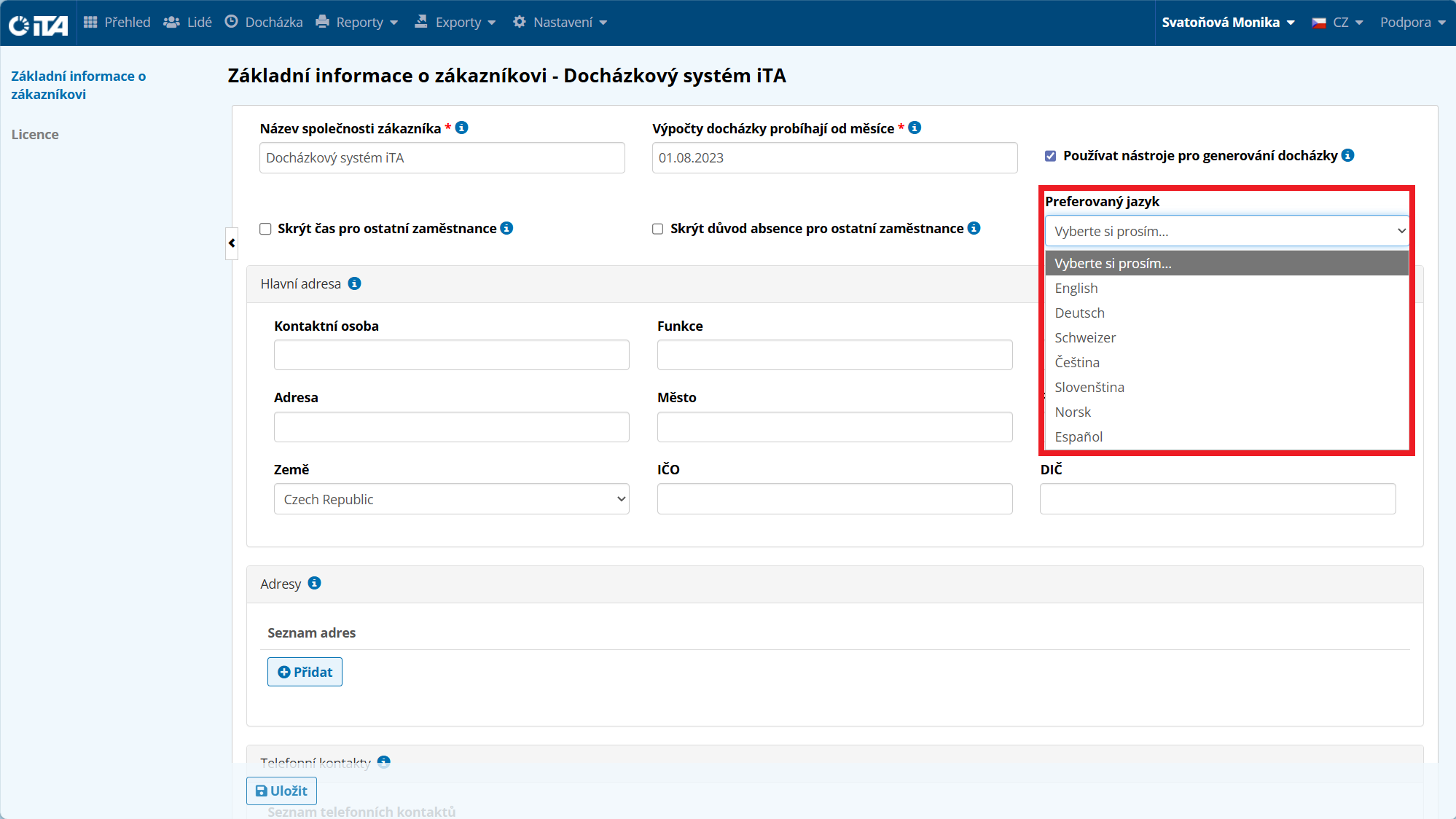
Preferred Language#
The system is set automatically to Czech. The remaining languages are prepared for future system development.
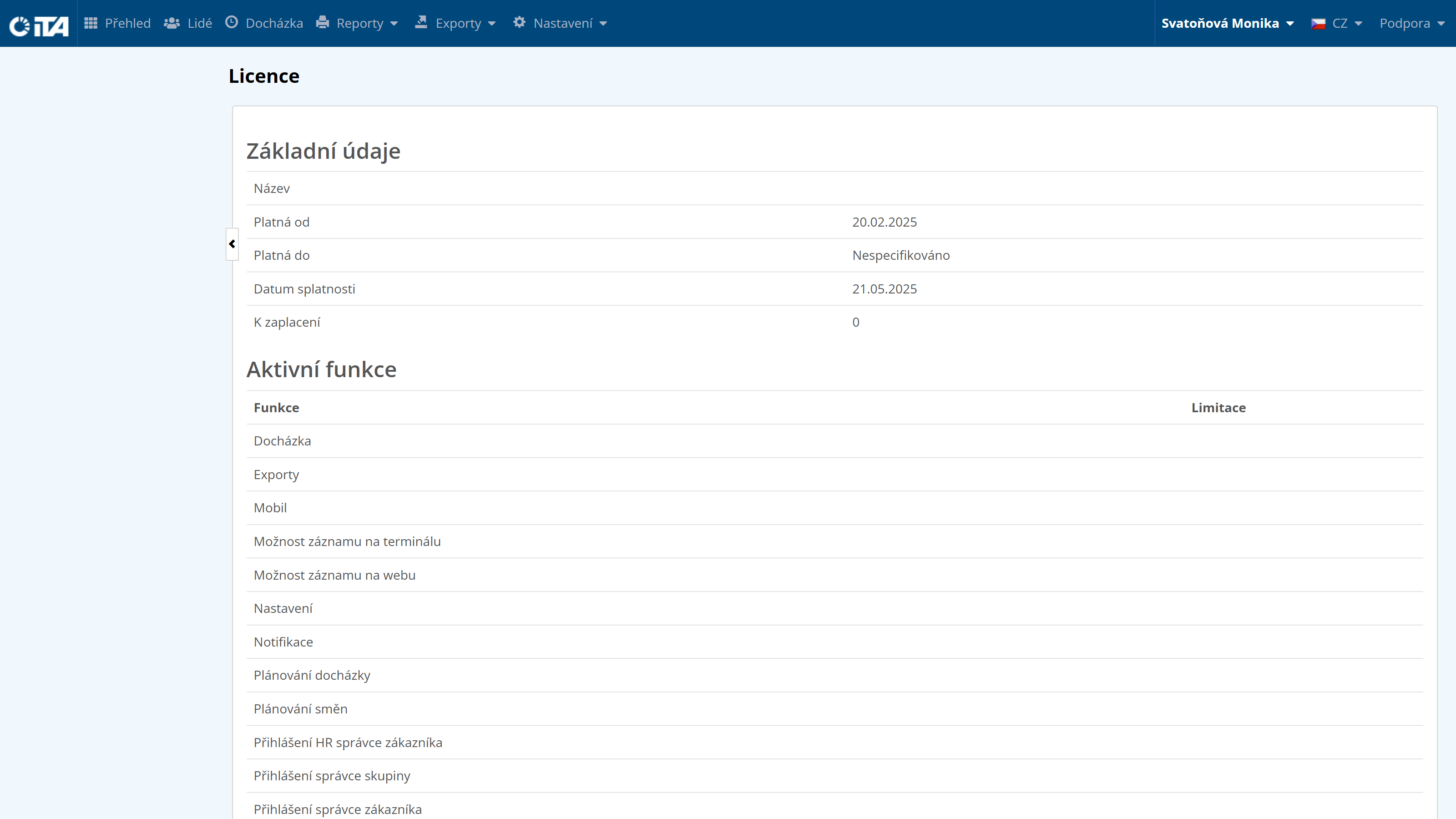
License#
Here you can see information about iTA license validity and the activated system features.
My Account#
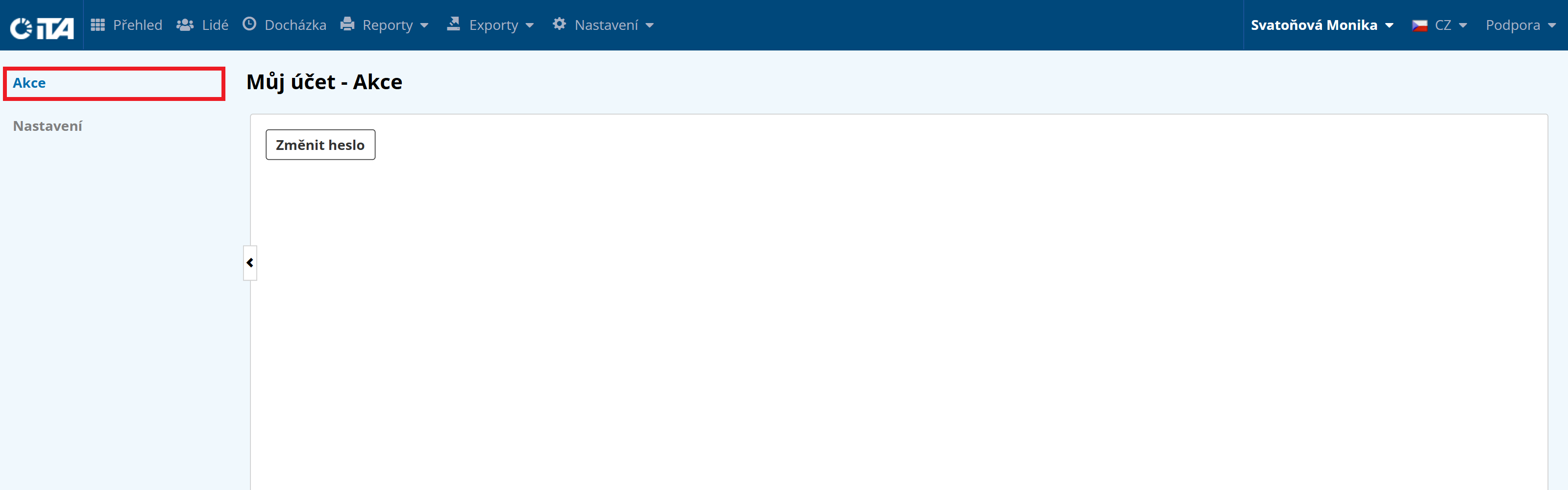
- Actions:
Change Password — this button lets you change your password for system access.
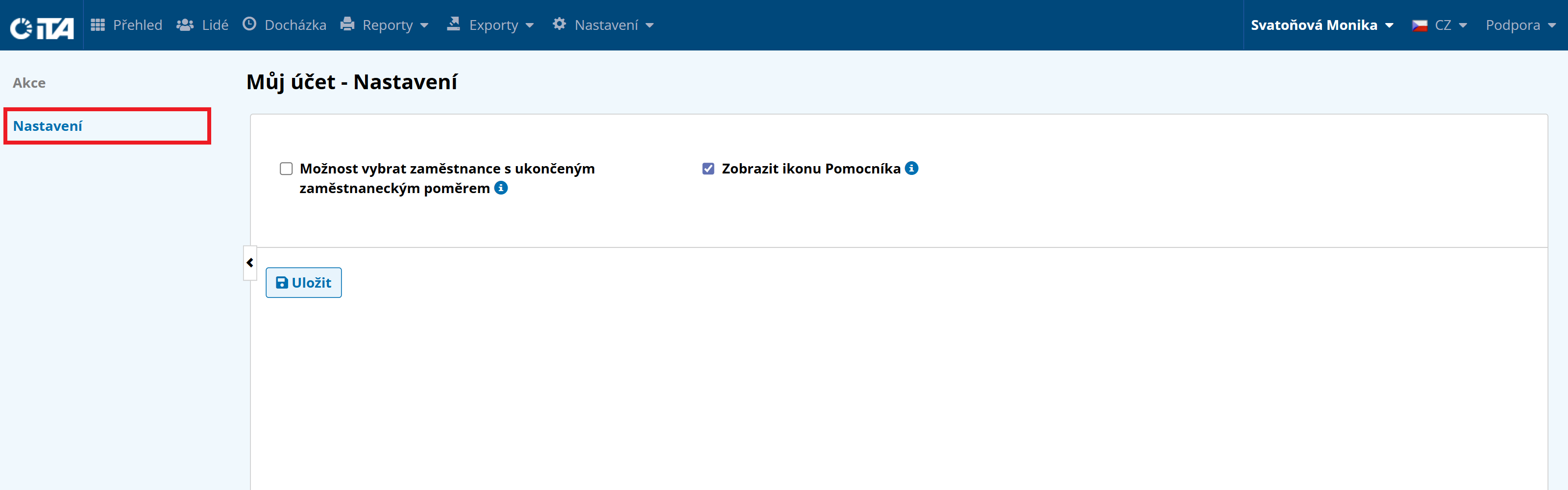
- Settings:
Lets you select employees with terminated employment (e.g. so reports also show employees who no longer work for the company).
Log Out#
When you finish working with the iTA attendance system, please log out.