
Ctrl+K
iTA  documentation - Home iTA  documentation - Home
  • Login
  • Overview
  • People
  • Attendance
  • Approving
    • Reports
    • Exports
    • Settings
    • Account Management
    • FAQ
  • Redirect back to index page
  • Login
  • Overview
  • People
  • Attendance
  • Approving
  • Reports
  • Exports
  • Settings
  • Account Management
  • FAQ
  • Redirect back to index page

Section Navigation

  • Employees
    • Personal Details
    • Employment Contracts
    • Authentication
    • Authorization
  • Organization
  • External Users
  • Administrator Roles
  • GDPR Management
  • People

People#

The People tab displays a list of all registered employees with selected data fields. You can choose which fields appear in the columns and configure them under the Columns… button.

To open the page, click People.

Before that, however, you need to add employees to the system and fill in the required information.
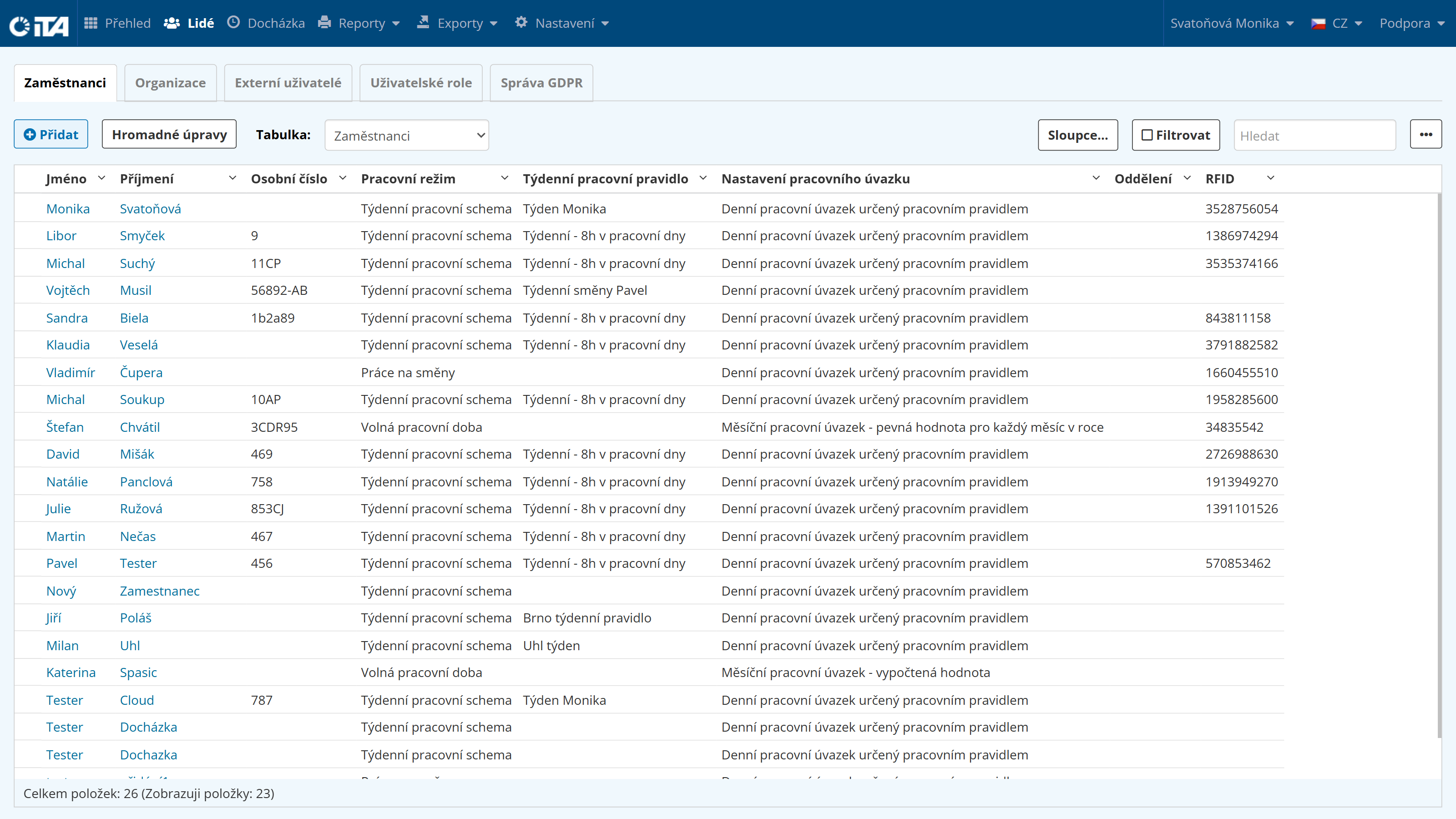
../_images/people.png

Available Modules

Employees

Employees

Organization

Organization

External Users

External Users

Administrator Roles

Administrator Roles

GDPR Management

GDPR Management

previous

Overview

next

Employees

© Copyright 2026, Mobatime.

Last updated on Wed, 13 May 2026.