
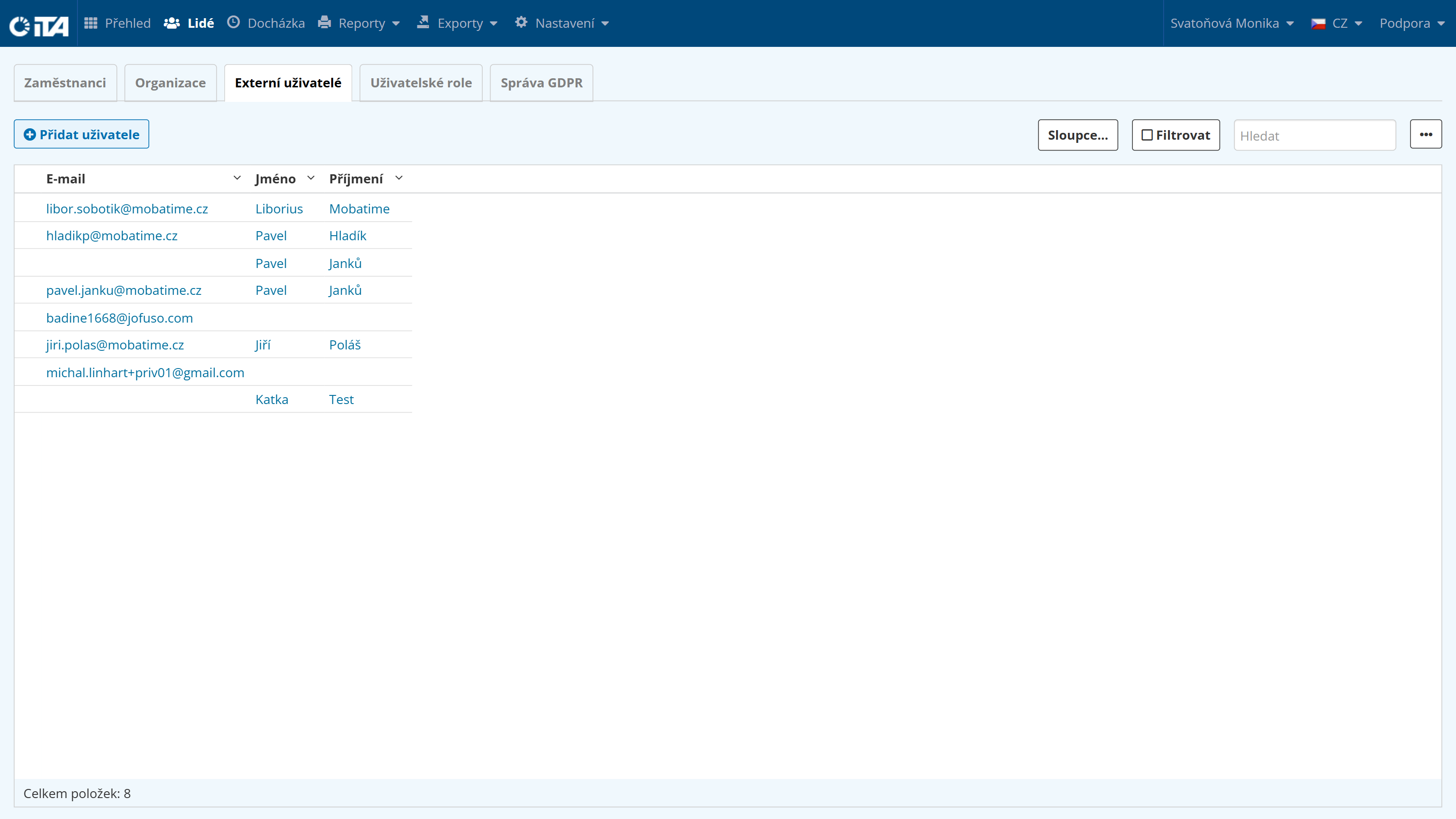
External Users#
External users are users who do not have an account on the Employees tab (for example, an external accountant).
1
Hint:
An external user can be used not only for people outside the company, such as an external accountant, but also to create an additional access profile for a regular employees. This profile can be configured with different permissions, such as rights for administer or edit attendance records.
To create an external users, you must use an email address other than the one associated with a regular user.
1
Example:
A payroll accountant can create a separate user profile with administrator privileges.
After logging in with this profile, they can make specific changes to attendance records without using their regular employee account.
Adding an External User#
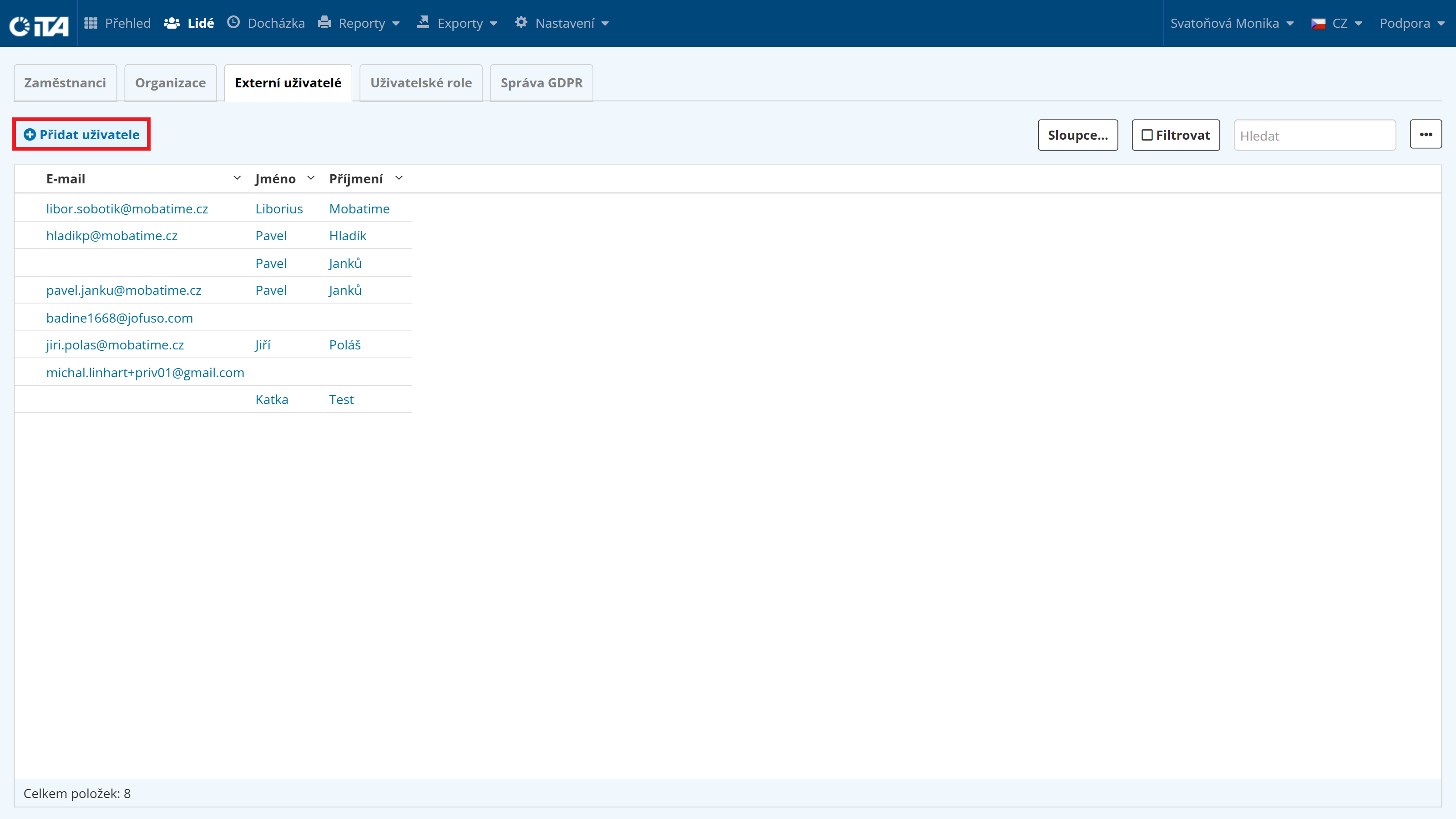
Click Add User:
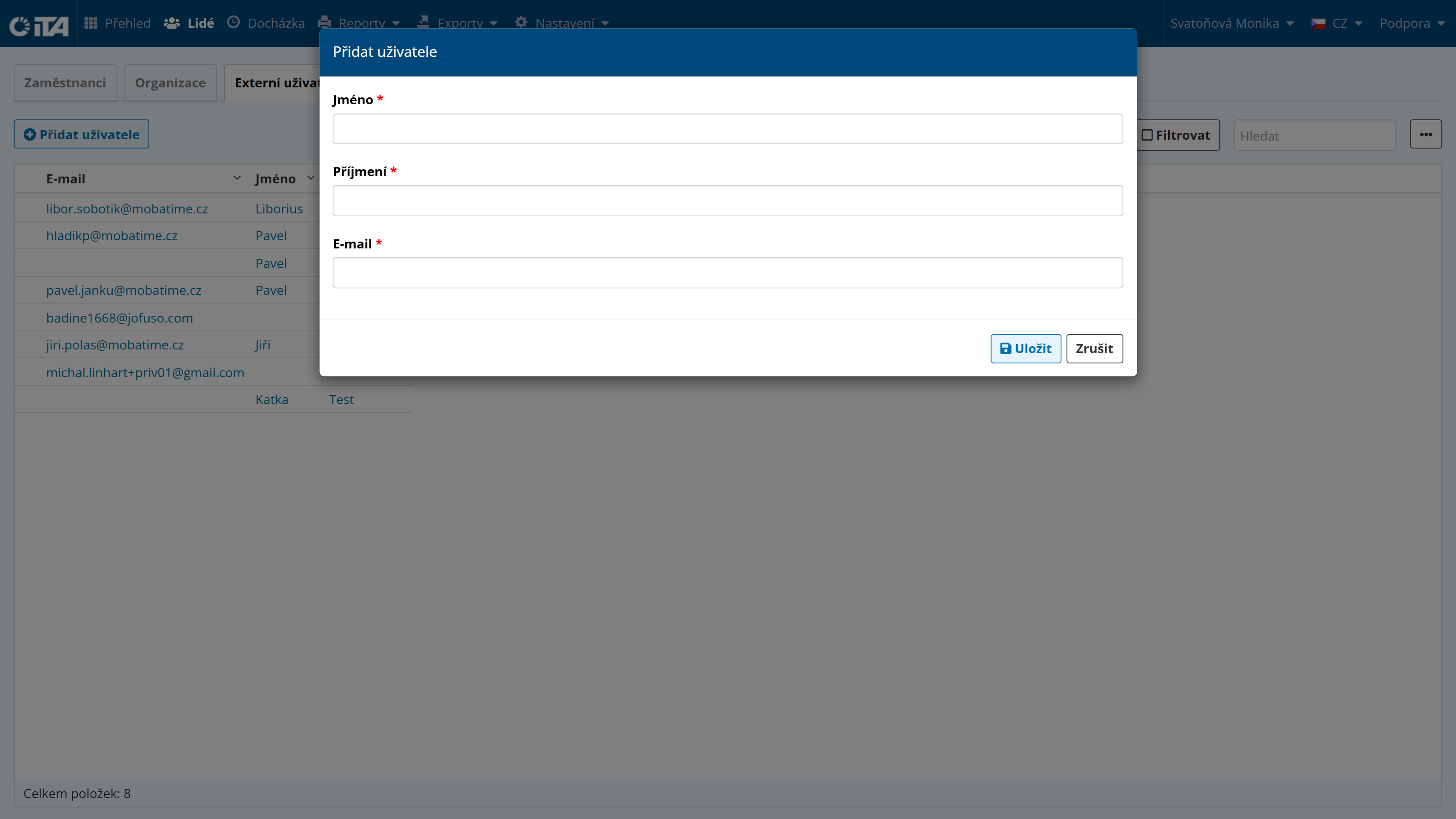
Enter the first name, last name, and email.
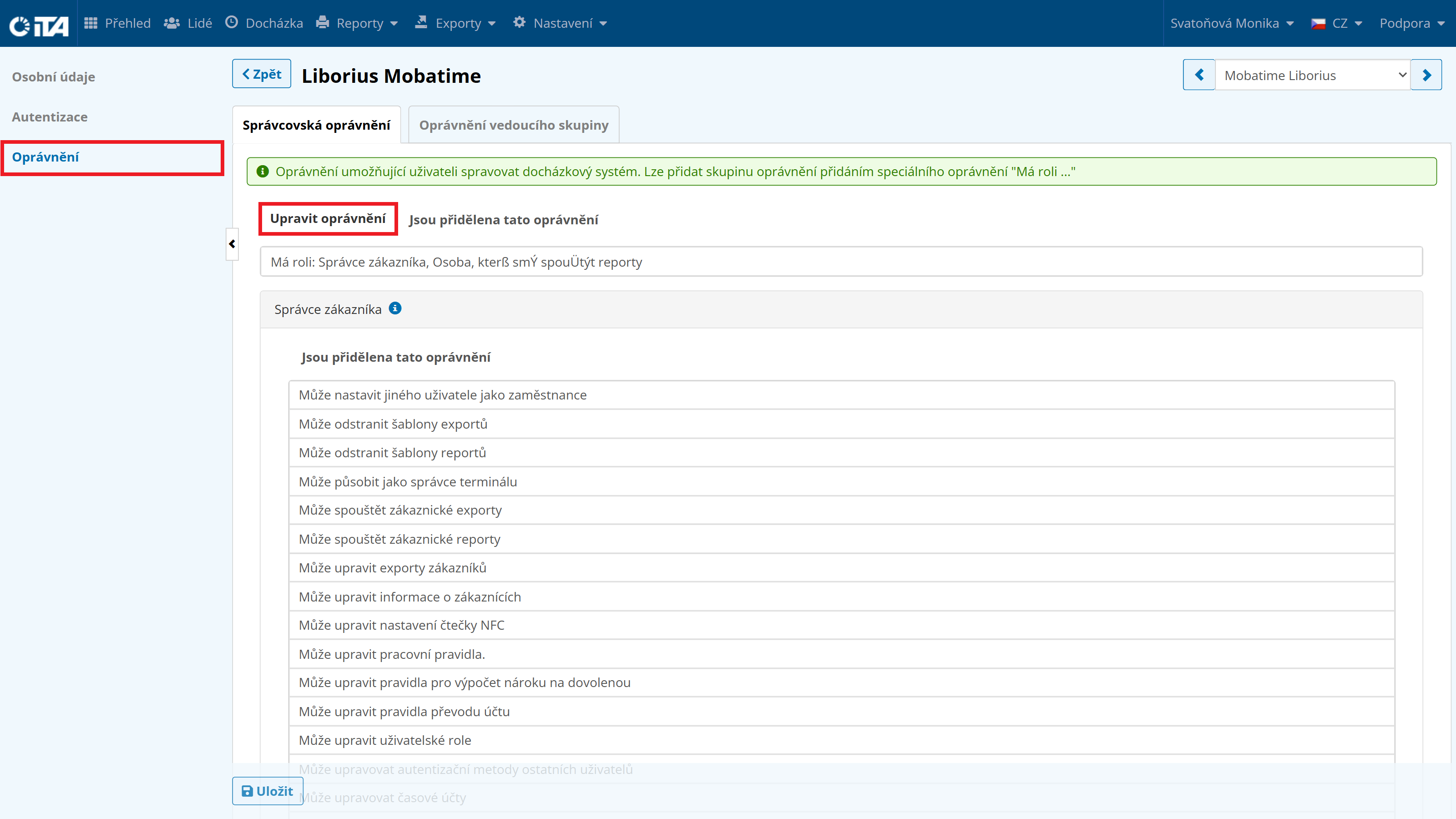
Click the newly created user, then go to the Authorization tab and assign the permissions or roles you want the user to have.