

Reports Scheduler#
To open the reports scheduler, choose from the menu.
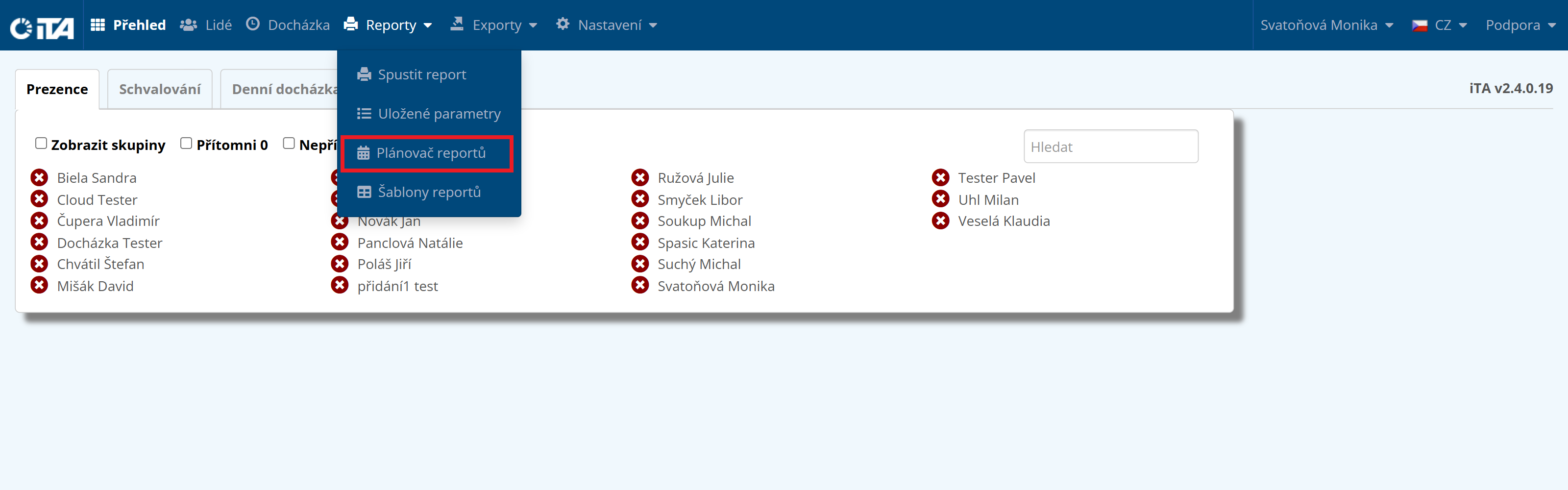
Here you can schedule reports that are automatically sent to recipients or displayed on the dashboard for a specified time.
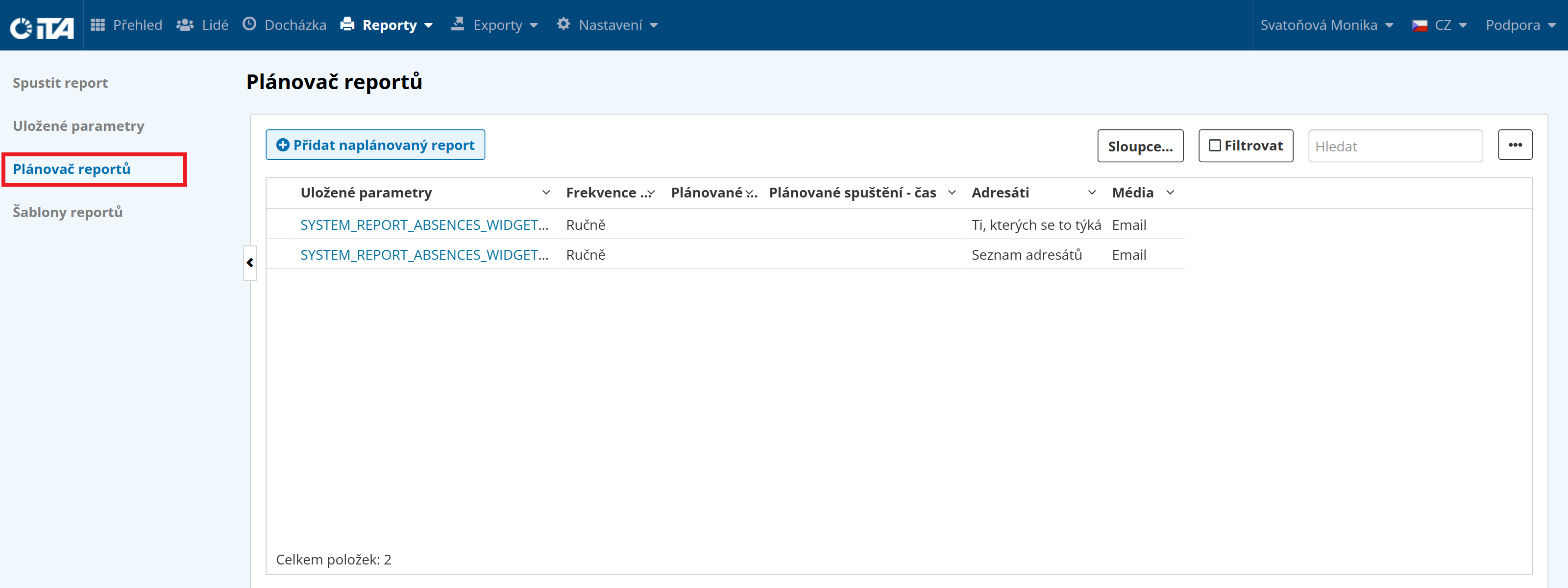
Creating a Scheduled Report#
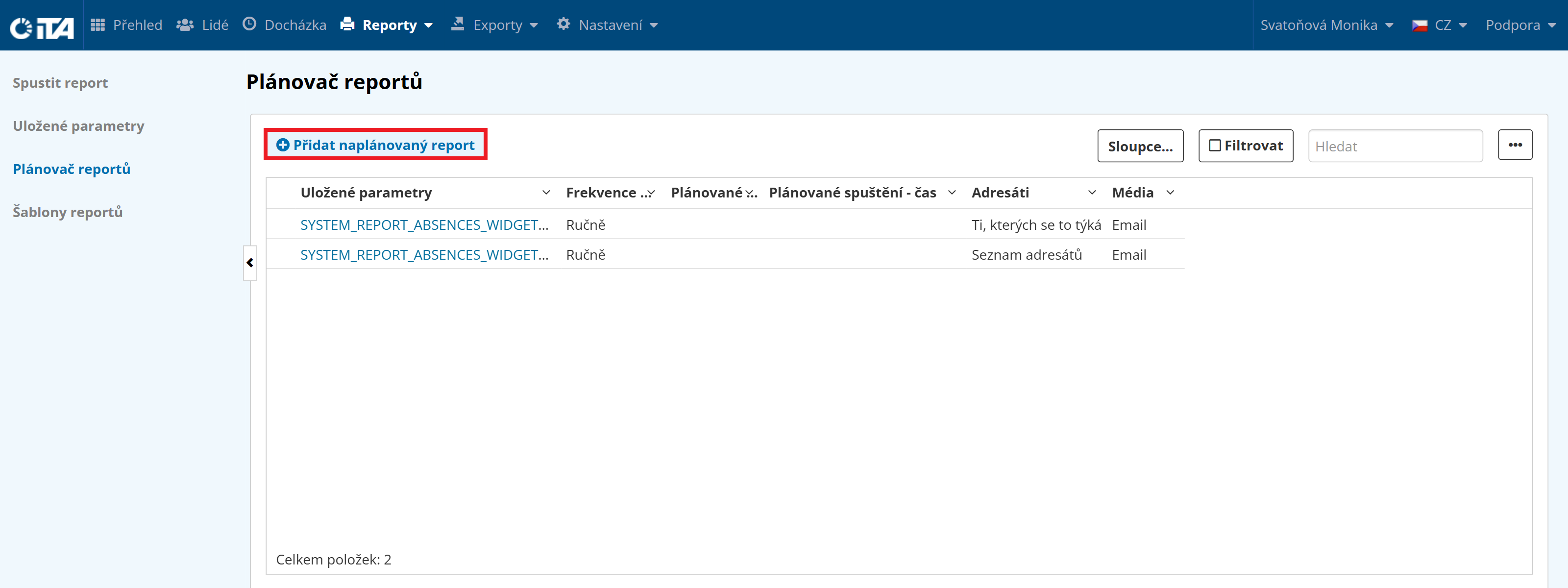
Click Add Scheduled Report.
Scheduled Report Parameters#
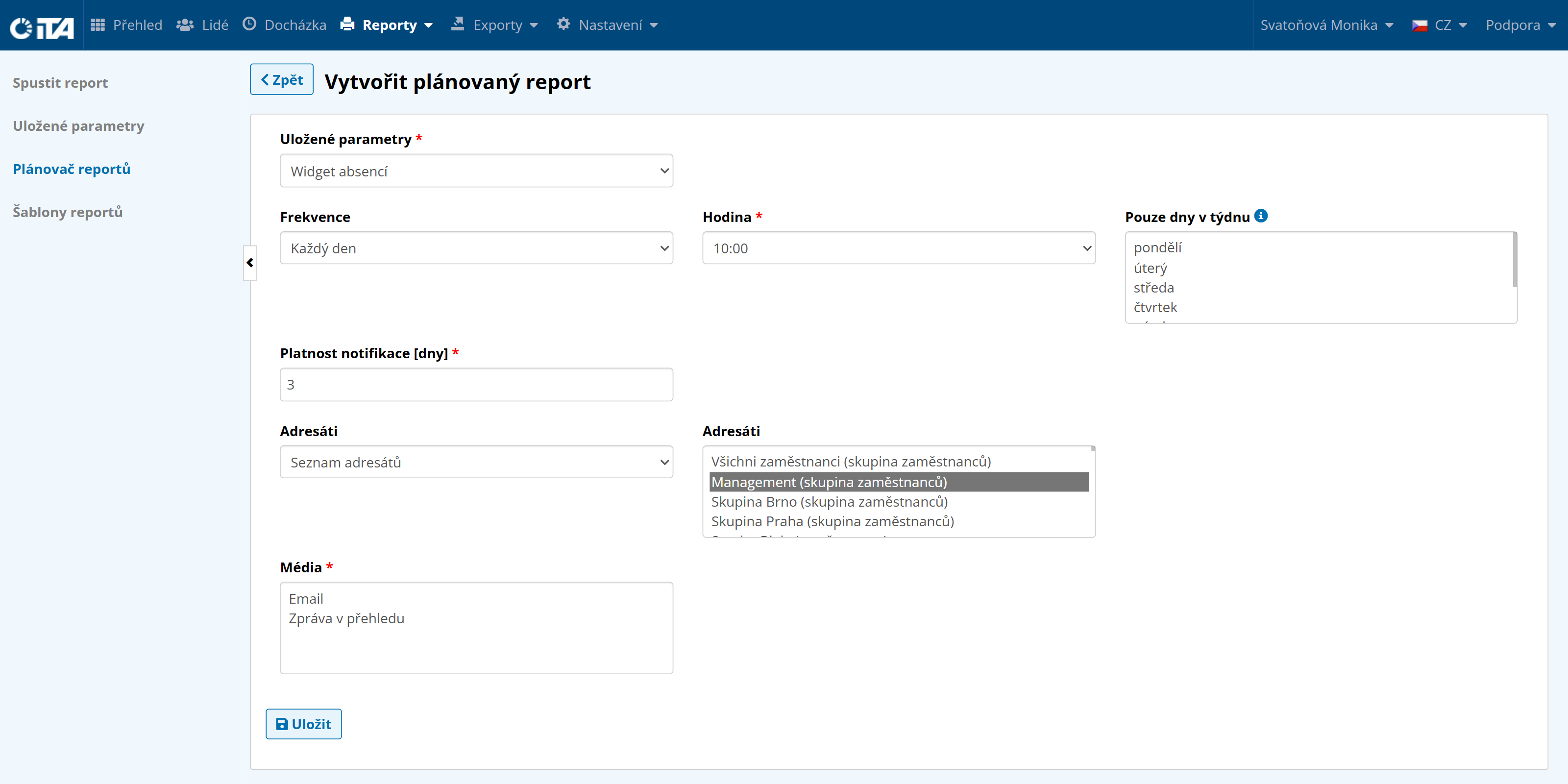
- Saved parameters:
Reports you have saved with their defined parameters.
- Frequency / Hour / Days of week only:
Select the frequency, the hour, and the days of the week on which the reports are sent.
- Notification validity (days):
This setting applies only when reports are sent to the dashboard. It defines how many days the notification remains visible on the dashboard.
- Recipients:
Three options are available:
Those concerned.
Recipient list — Select any users to whom the report is shown or sent.
Recipient list (optional emails) — Enter any email addresses, including those outside the company.
- Delivery channels:
Choose where the reports will be sent.
Dashboard — The report appears on the dashboard.
Email — The system sends an automatic email to the address of a user with an iTA account.