

Public Holiday Calendar Editor#
→
Holiday Calendar#
By default, the holiday calendar is predefined for the Czech Republic.
You can also add “internal” holidays manually:
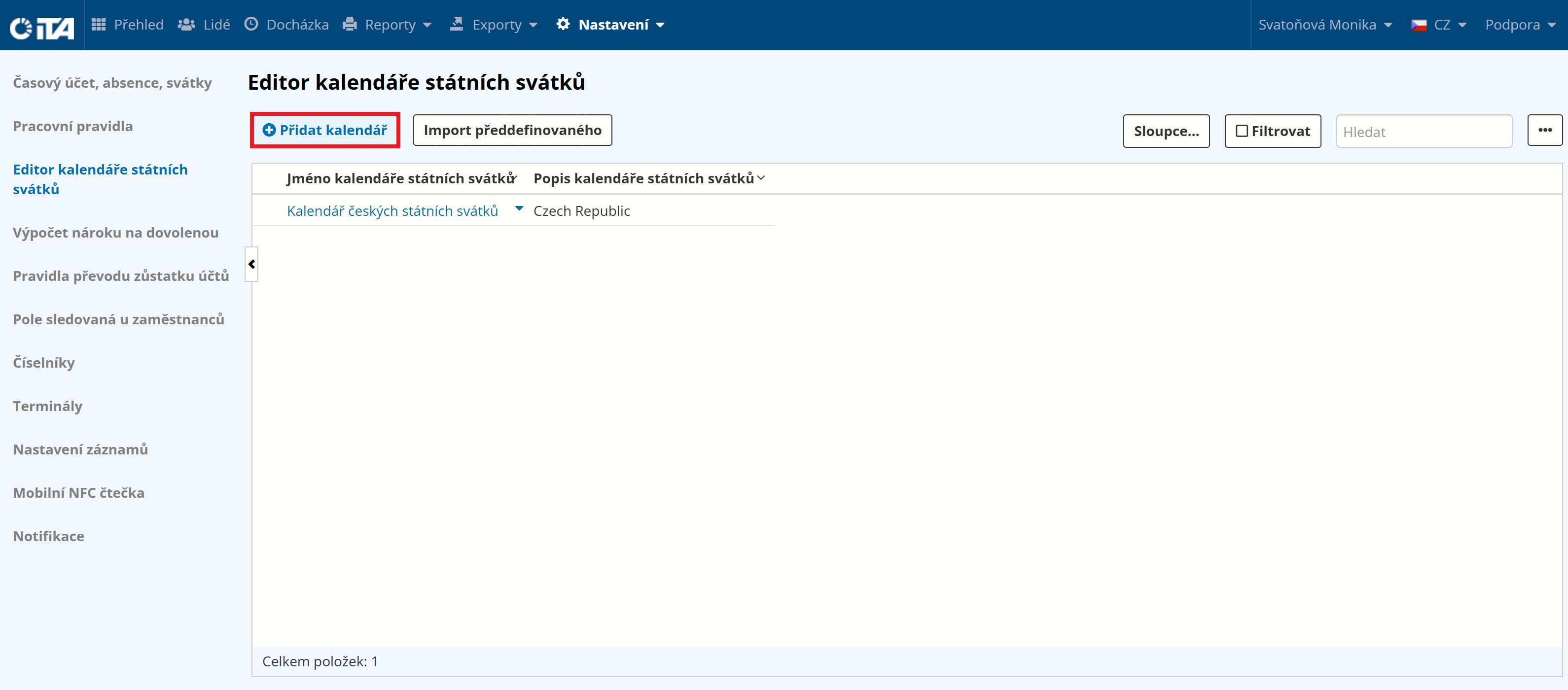
Click Add Calendar:
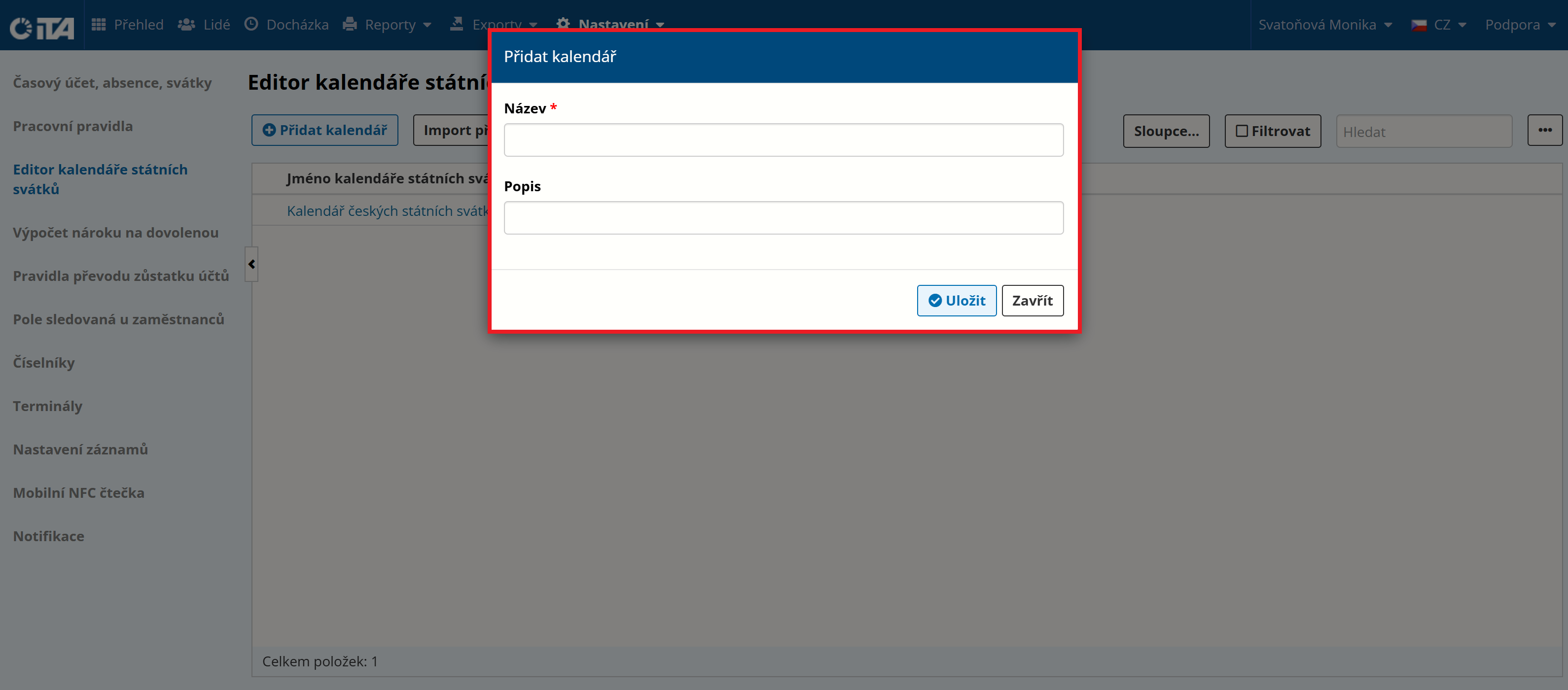
Enter the name and description (optional):
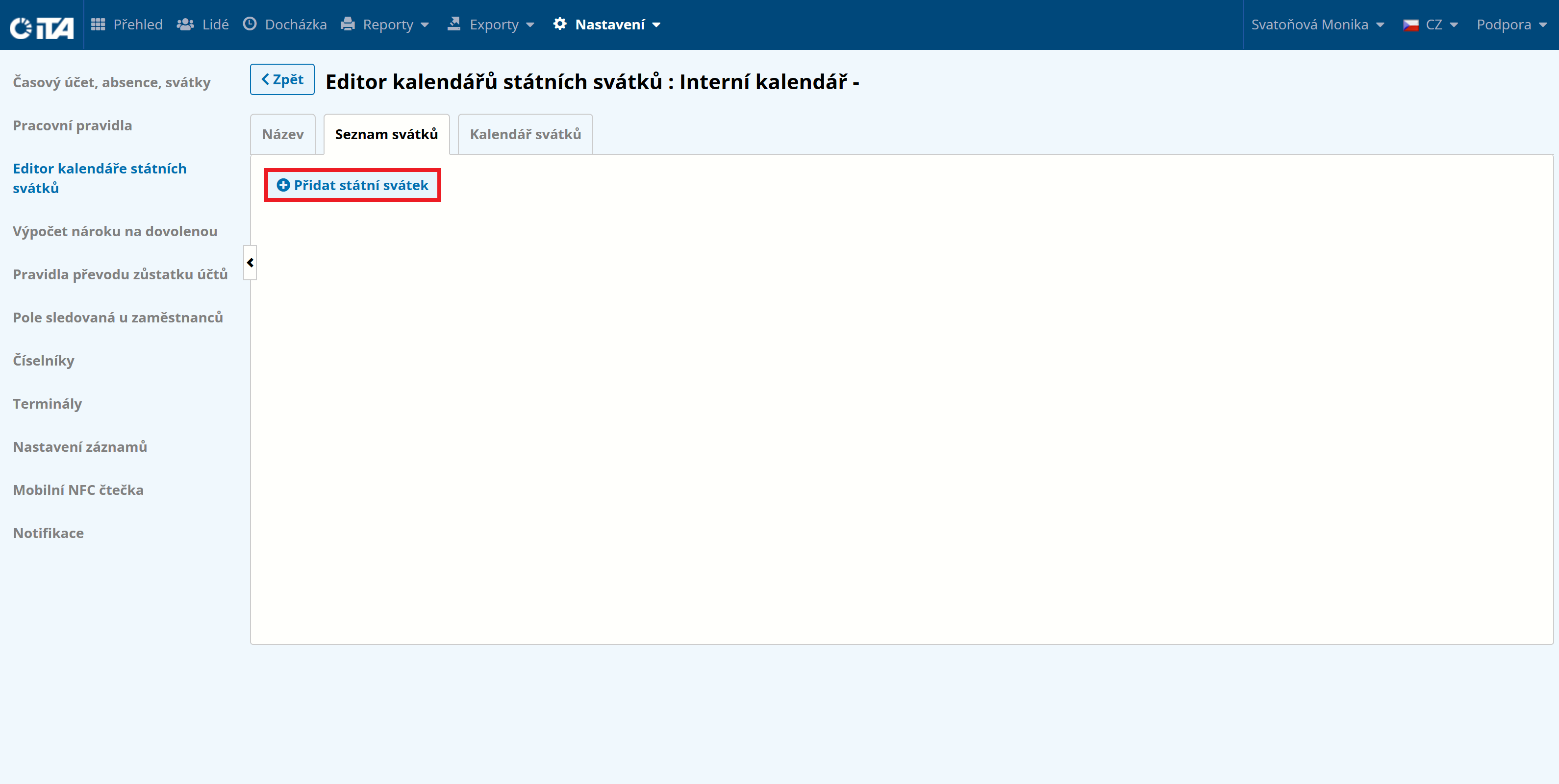
Click Add Public Holiday to add holidays:
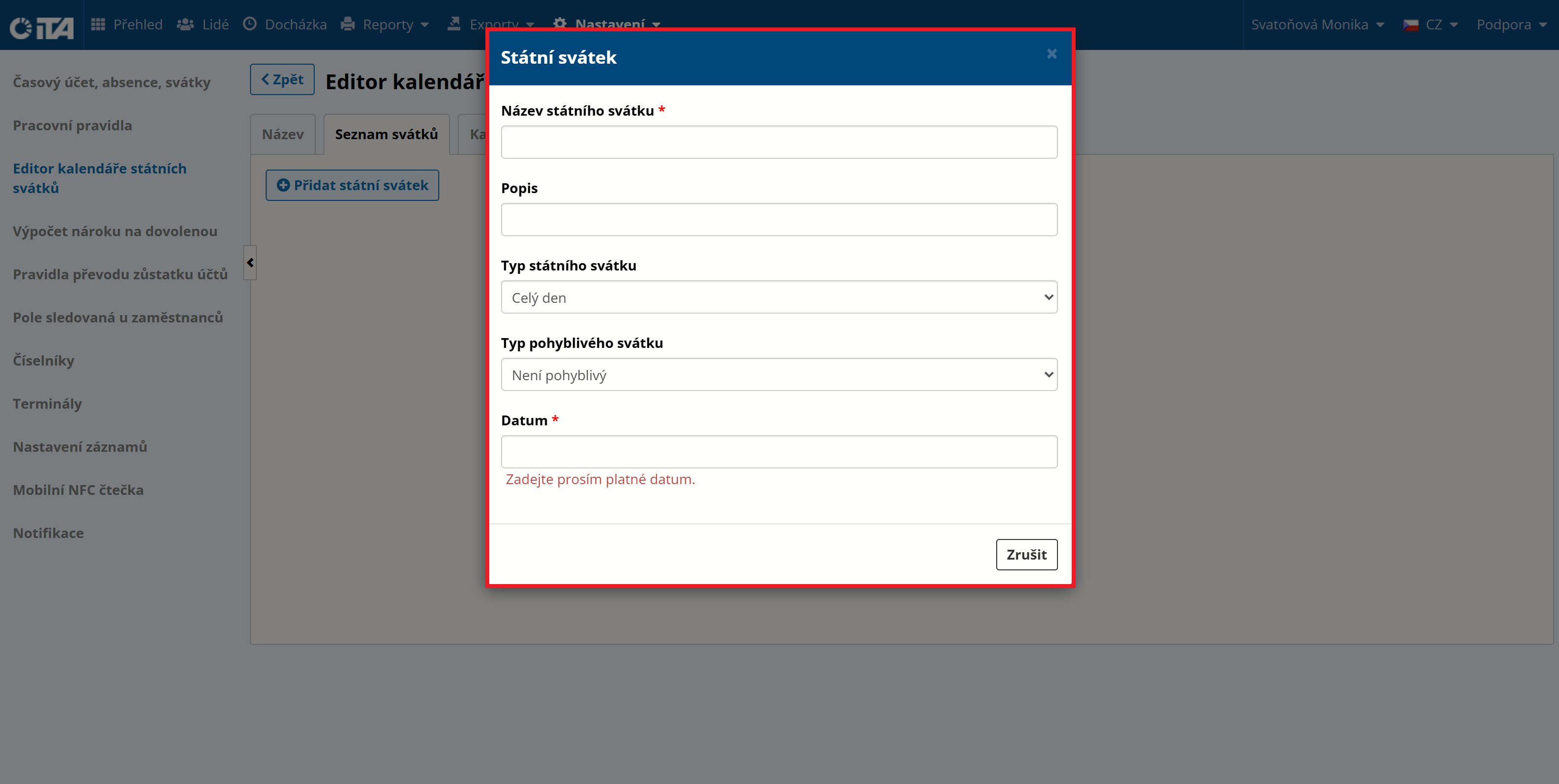
Fill in the parameters:
Switch to the Name field and click Save.
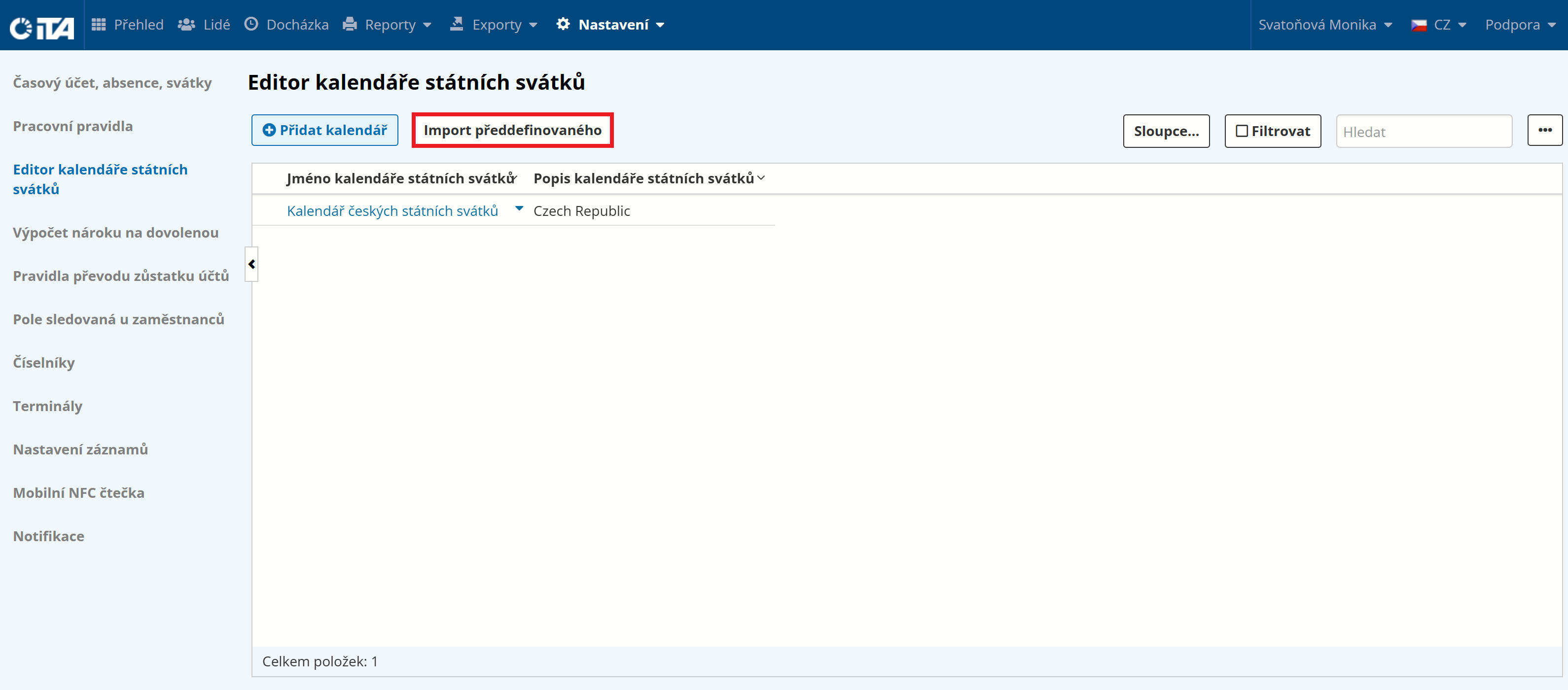
If a calendar is not predefined, it can easily be imported:
Click Import Predefined:
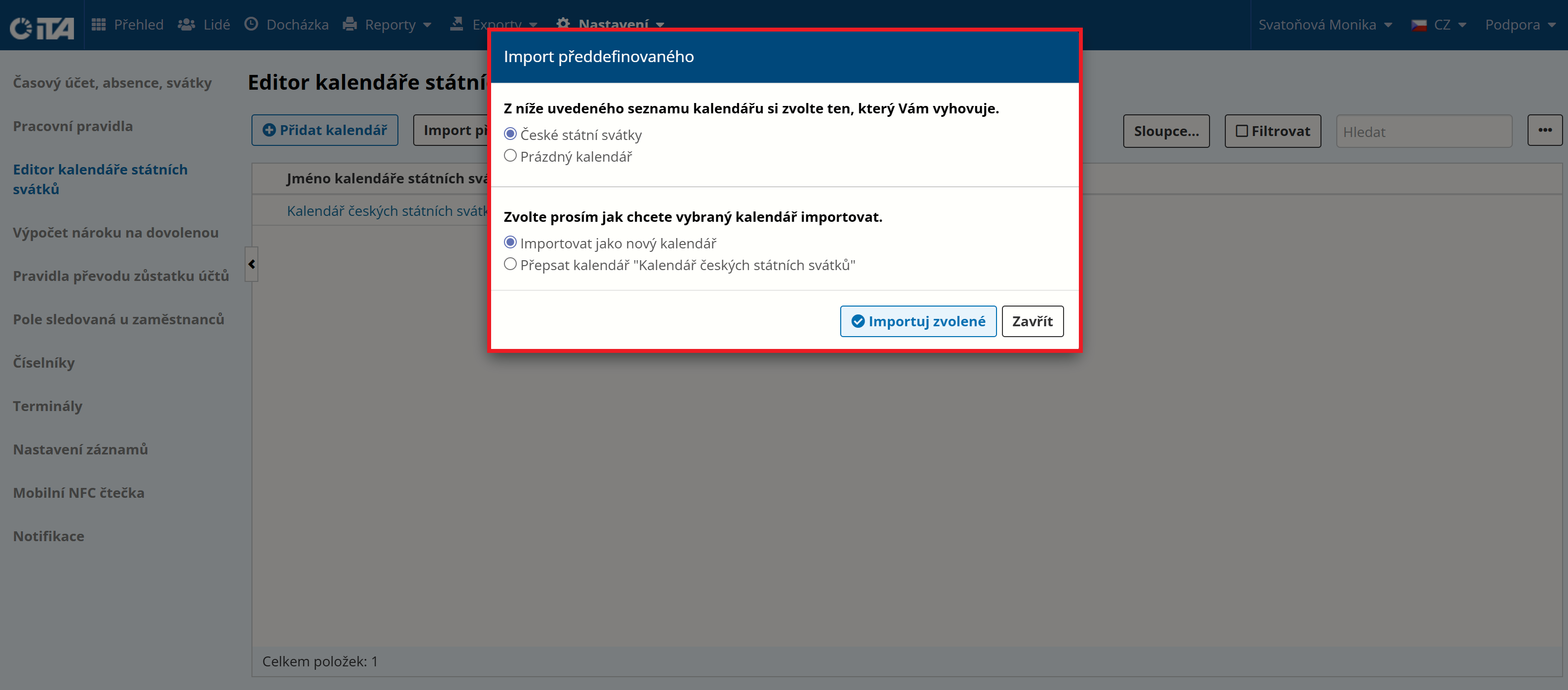
Select the import options:
Note
You assign the calendar that should apply to a given employee while adding them to the system.
Adding an Internal Holiday#
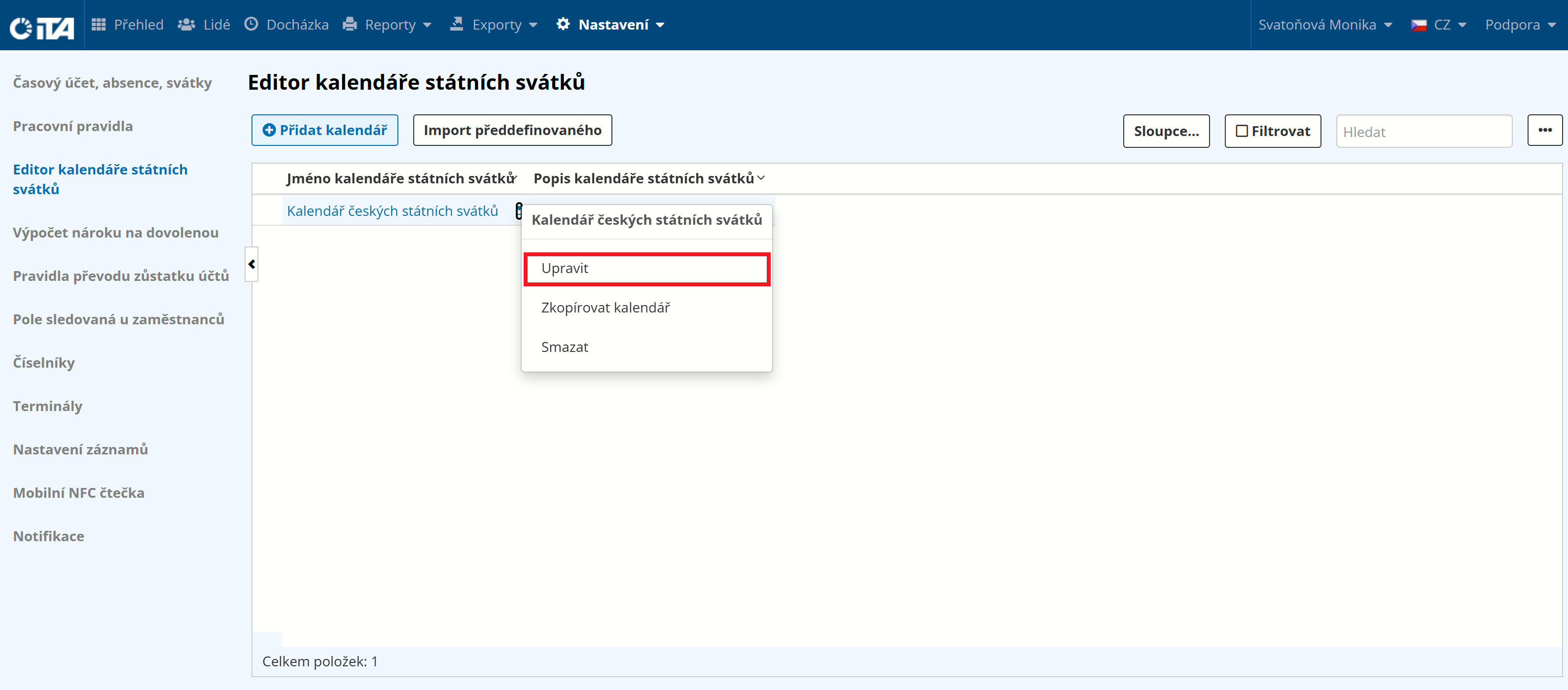
To add an internal holiday (e.g. the company’s founding day), click the existing calendar or use the “Edit” action.
Click Add Public Holiday.
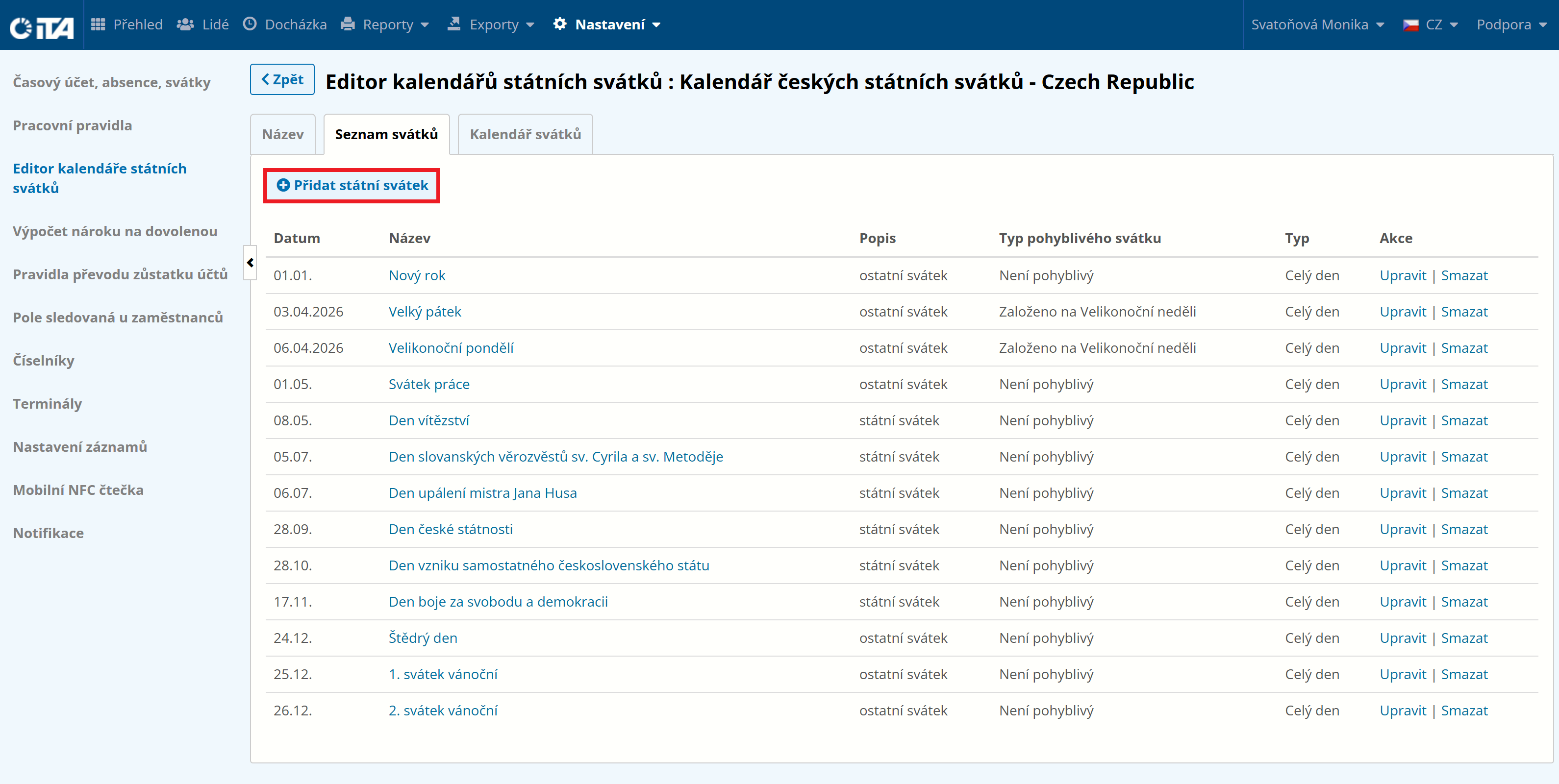
Fill in the parameters:
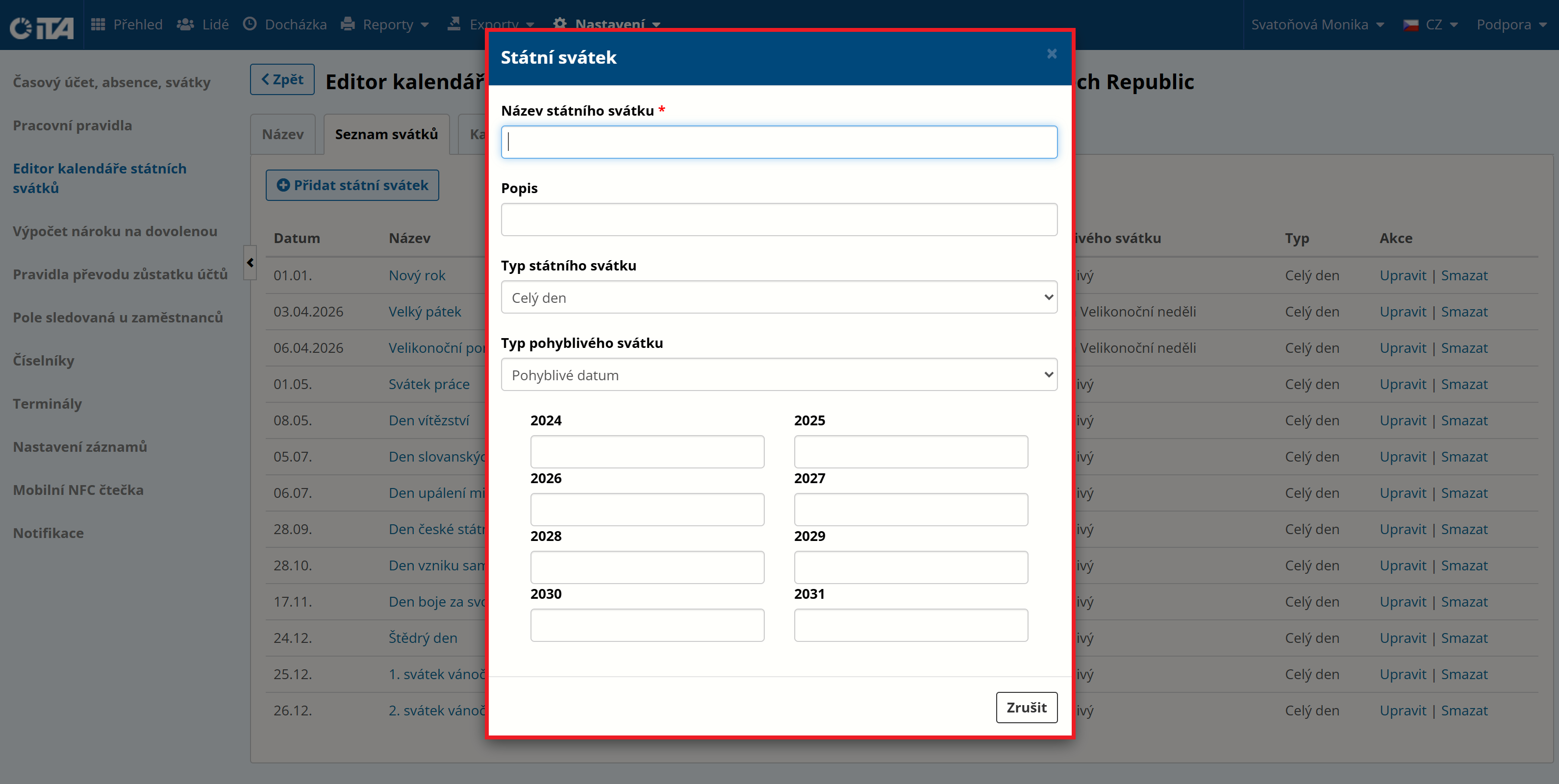
- Holiday name:
Name of the holiday
- Description:
Description of the holiday (optional)
- Holiday type:
Available options:
Full day
Half day
Special day
- Movable holiday type:
Available options:
Not movable — enter the exact date of the holiday
Movable date — enter the date for each subsequent year
Based on Easter Sunday — enter an approximate date based on Easter Sunday
Based on Day of Repentance and Prayer — enter an approximate date based on the Day of Repentance and Prayer