

Employee Tracking Fields#
→
Add Tracked Field#
Before adding employees to the system, use the feature to choose the data you want to record for each employee in the system.
By selecting and saving, you choose which fields are tracked for employees:
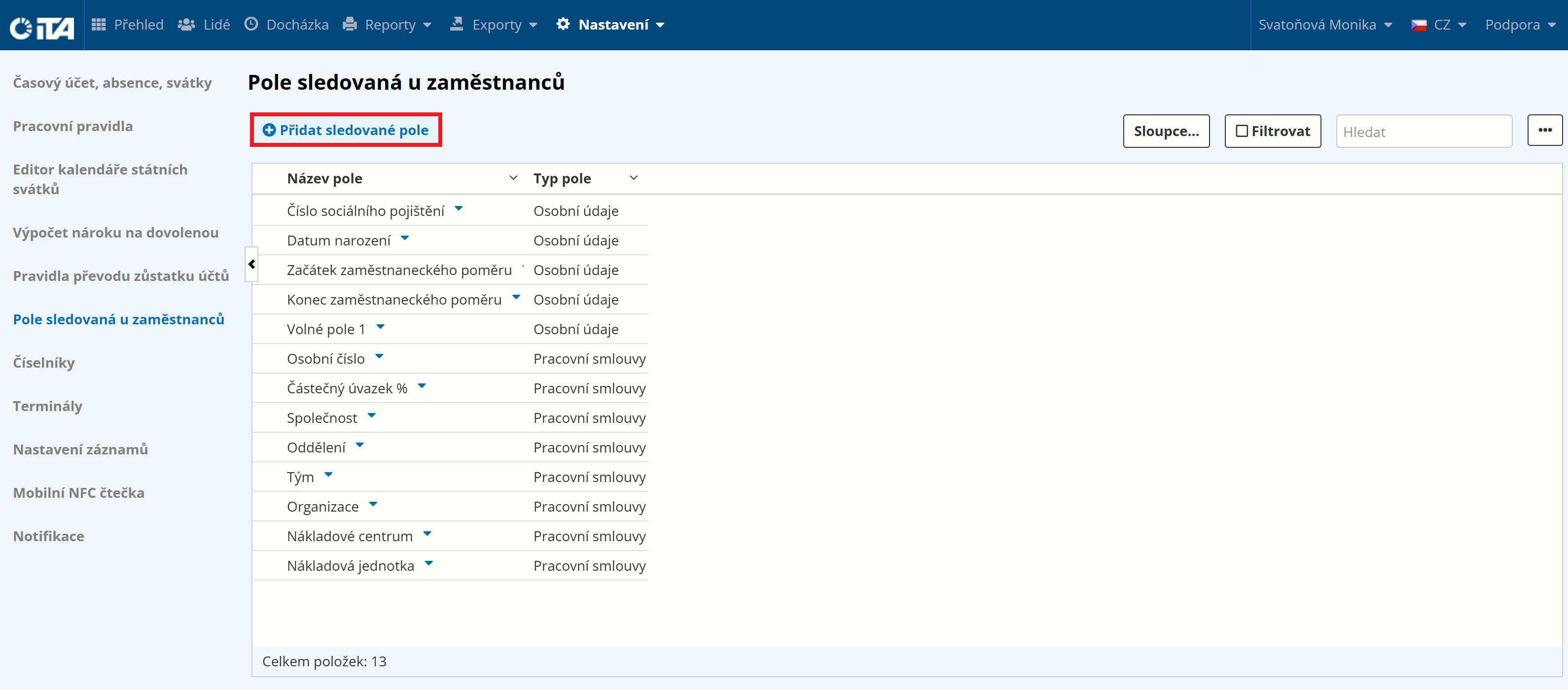
Click Add Tracked Field:
Select the field:
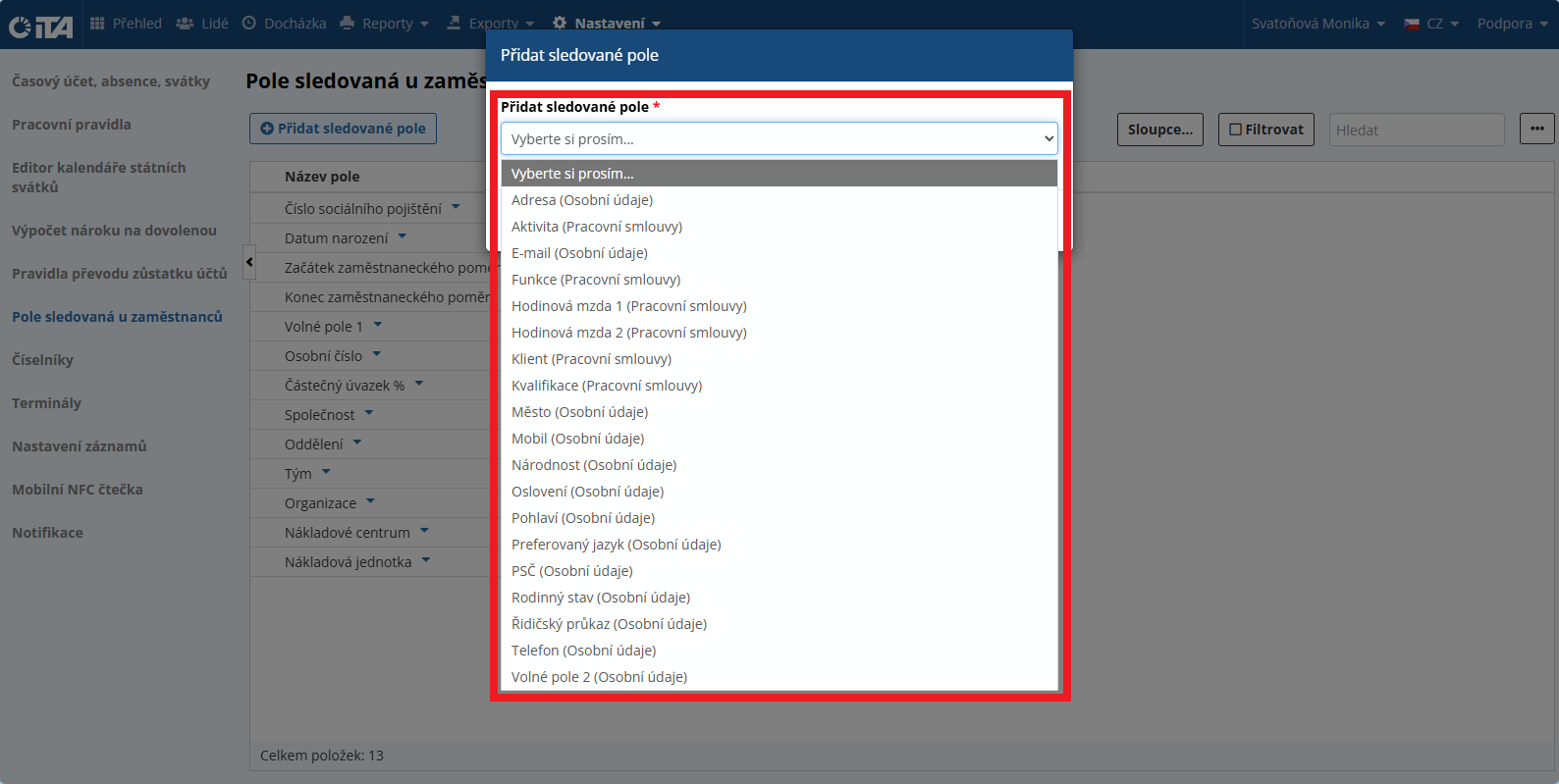
Click Save.
Tracked Fields#
Personal Details#
Date of birth
Employment start date
Employment end date
Social security number
Preferred language
Address
Postal code
City
Email
Phone
Mobile
Custom Field 1
Custom Field 2
Marital status
Nationality
Gender
Driver’s license
Salutation
Employment Contracts#
Personnel number
Part-time %
Cost center
Company
Department
Client
Team
Organization
Cost unit
Qualification
Job title
Activity
Hourly rate 1
Hourly rate 2