

Code Lists#
→
If your tracking needs exceed the basic options, you can specify detailed information by creating code lists.
There can be a wide range of code lists. They are linked to the employee tracking fields. When you create a new tracked field for an employee, you go to the code list created for that field. You define this code list according to your own needs.
Company Code List#
The company code list lets you split tracked employees across organizational units of the company.
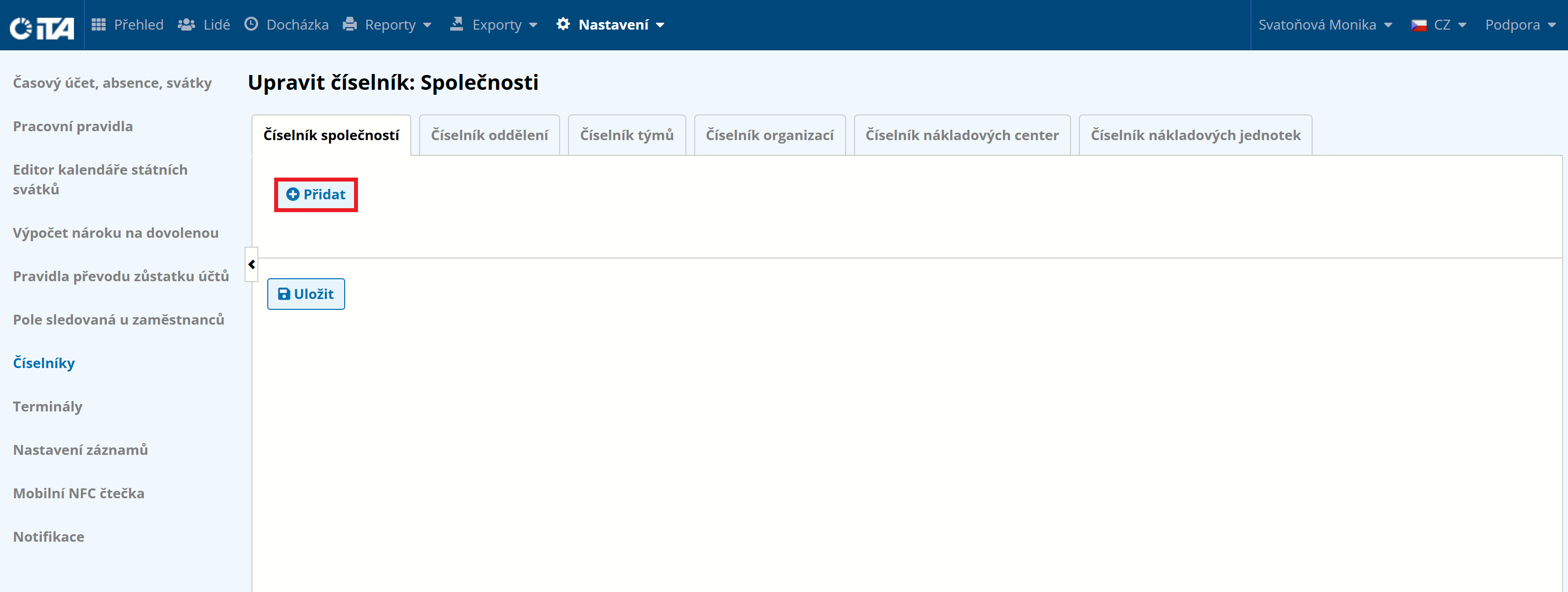
On the Company Code List tab, click Add:
Fill in the names:
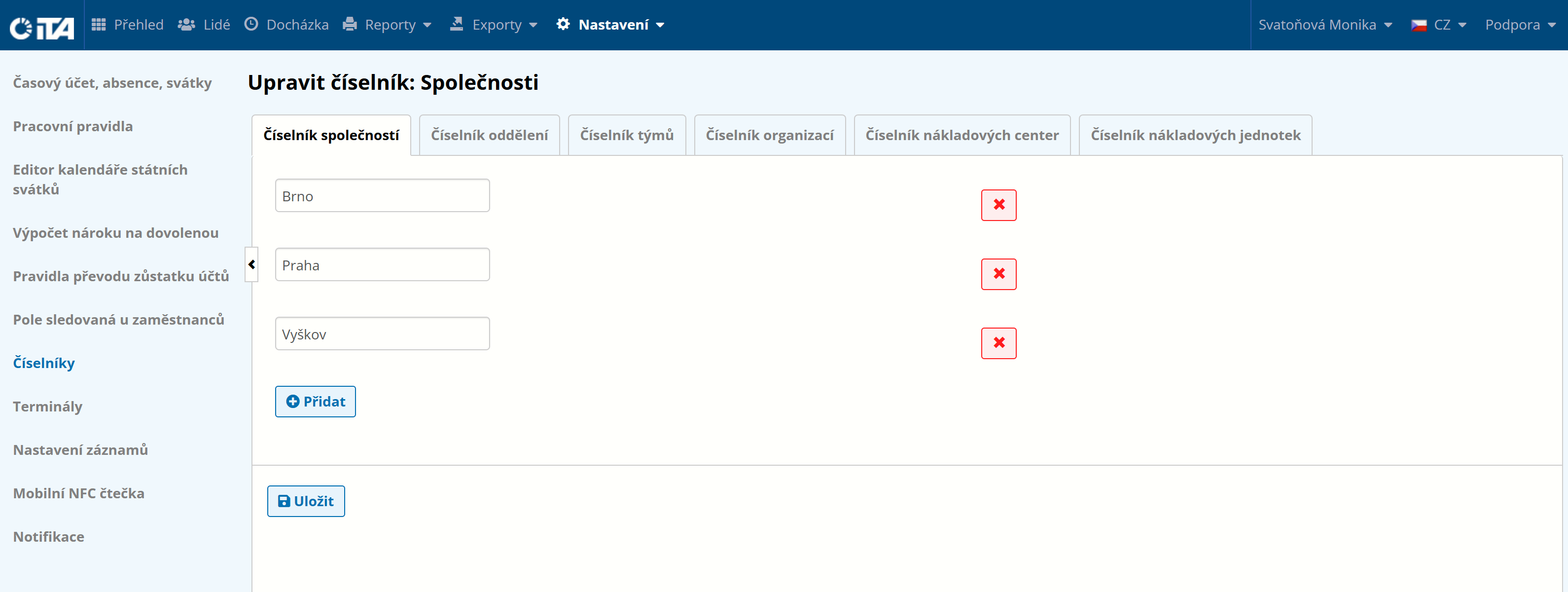
Click Save.
Department Code List#
Lets you specify individual departments within the company.
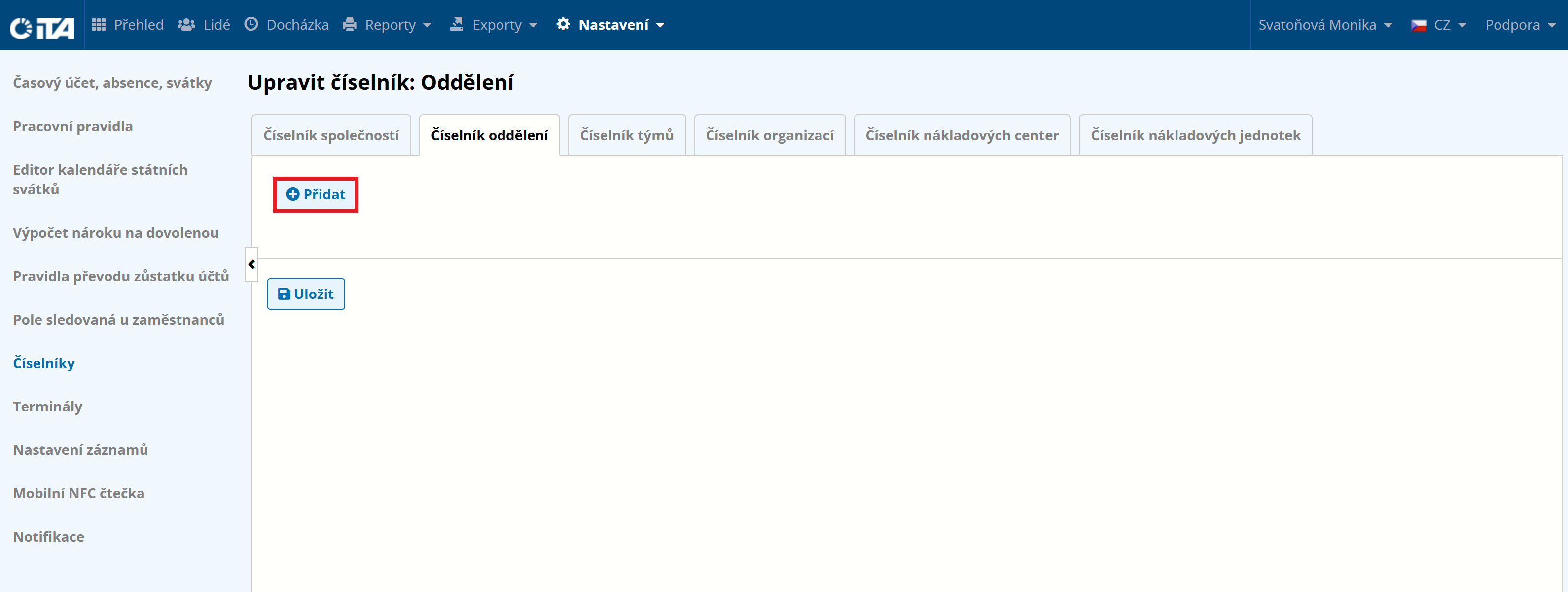
On the Department Code List tab, click Add:
Fill in the names:
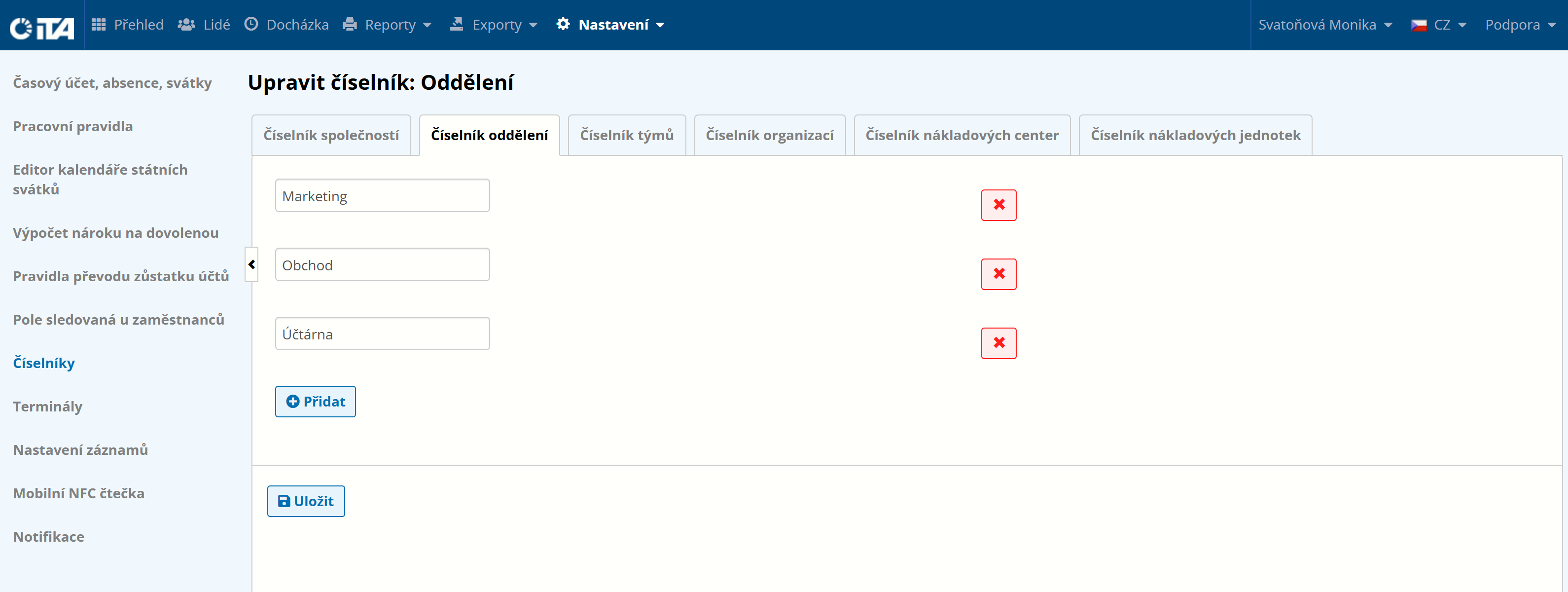
Click Save.
Team Code List#
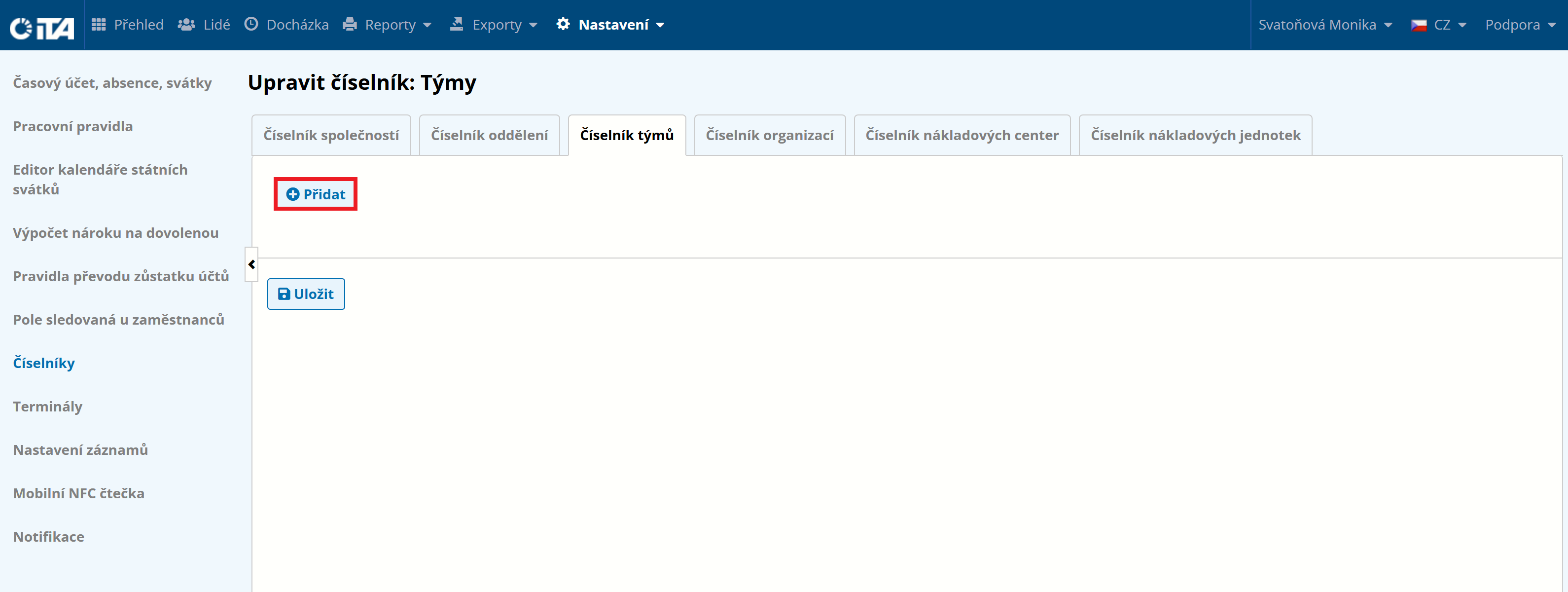
Lets you specify individual teams within the company.
On the Team Code List tab, click Add:
Fill in the names:
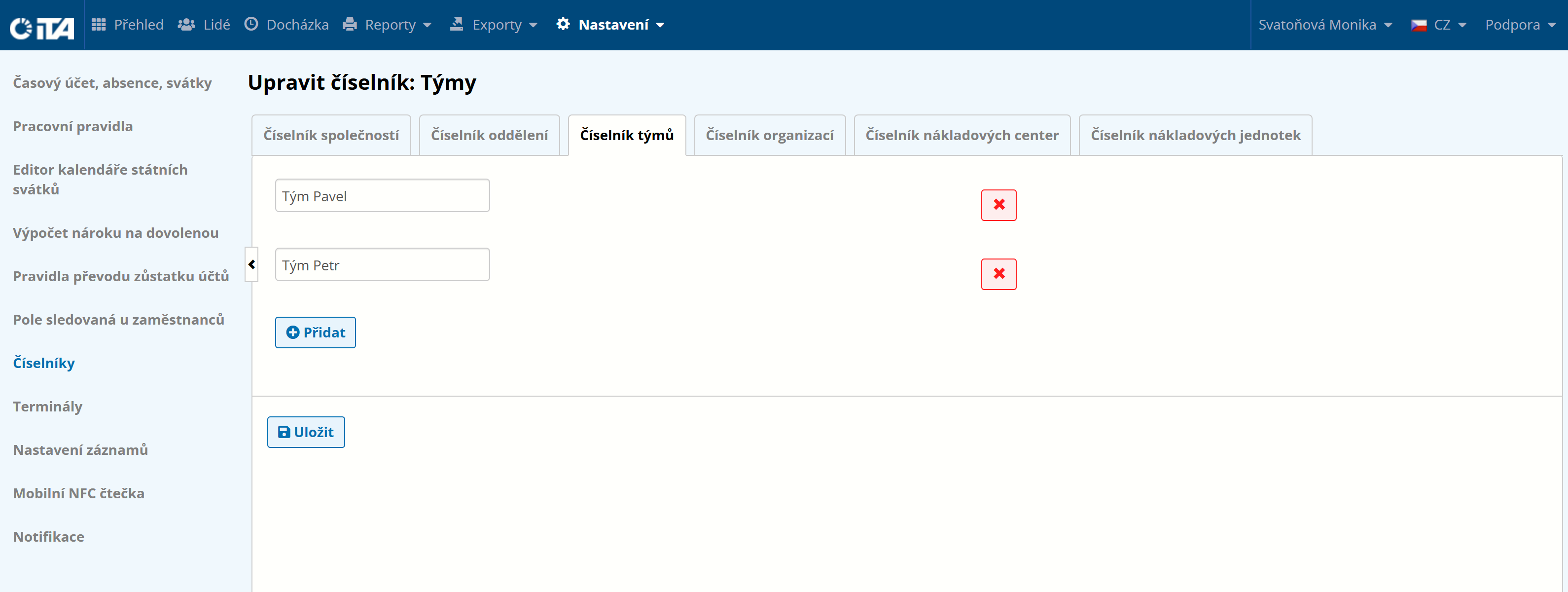
Click Save.
Organization Code List#
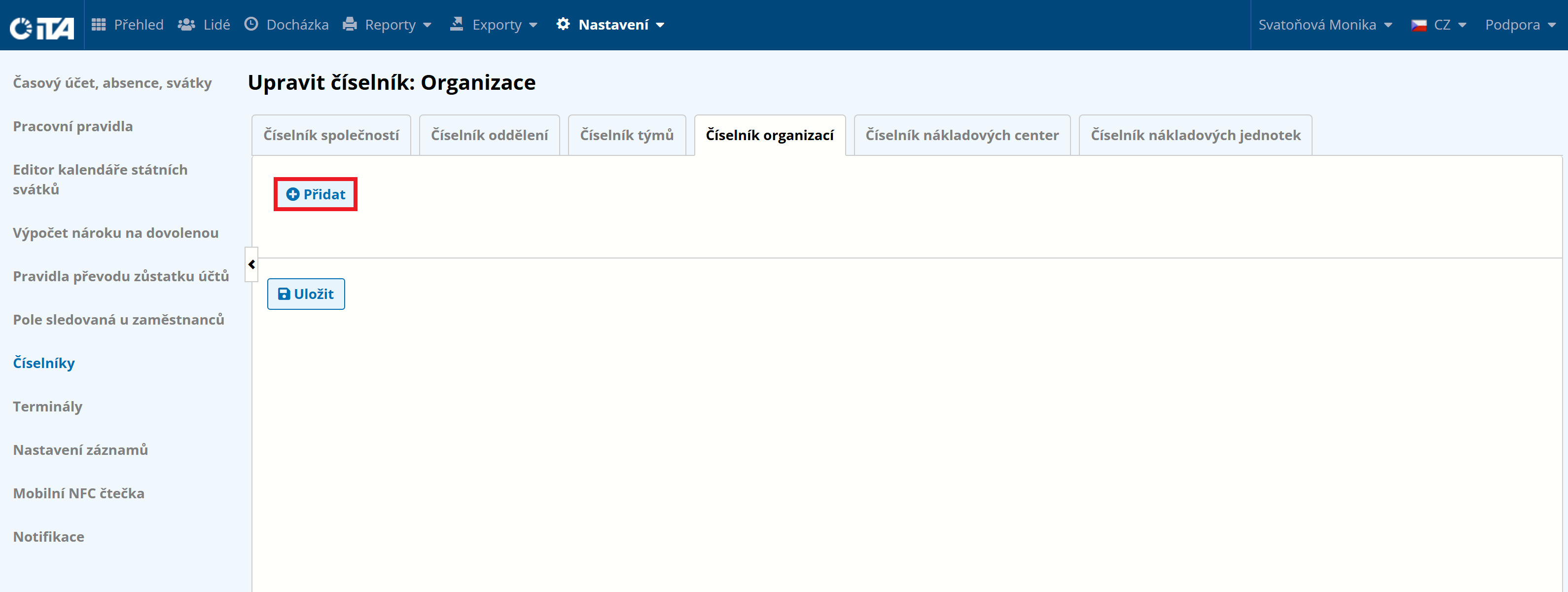
Lets you specify individual organizations.
On the Organization Code List tab, click Add:
Fill in the names:
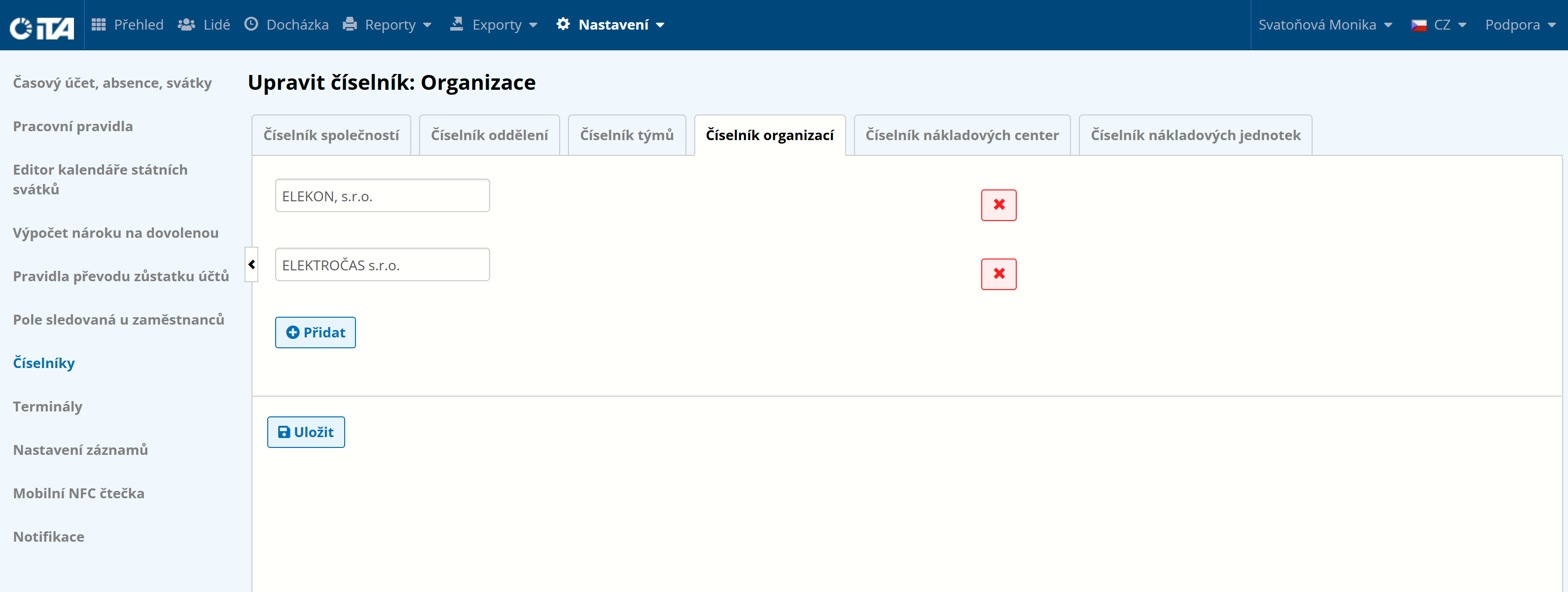
Click Save.
Cost Center Code List#
Lets you split employees by assignment to individual cost centers.
On the Cost Center Code List tab, click Add:
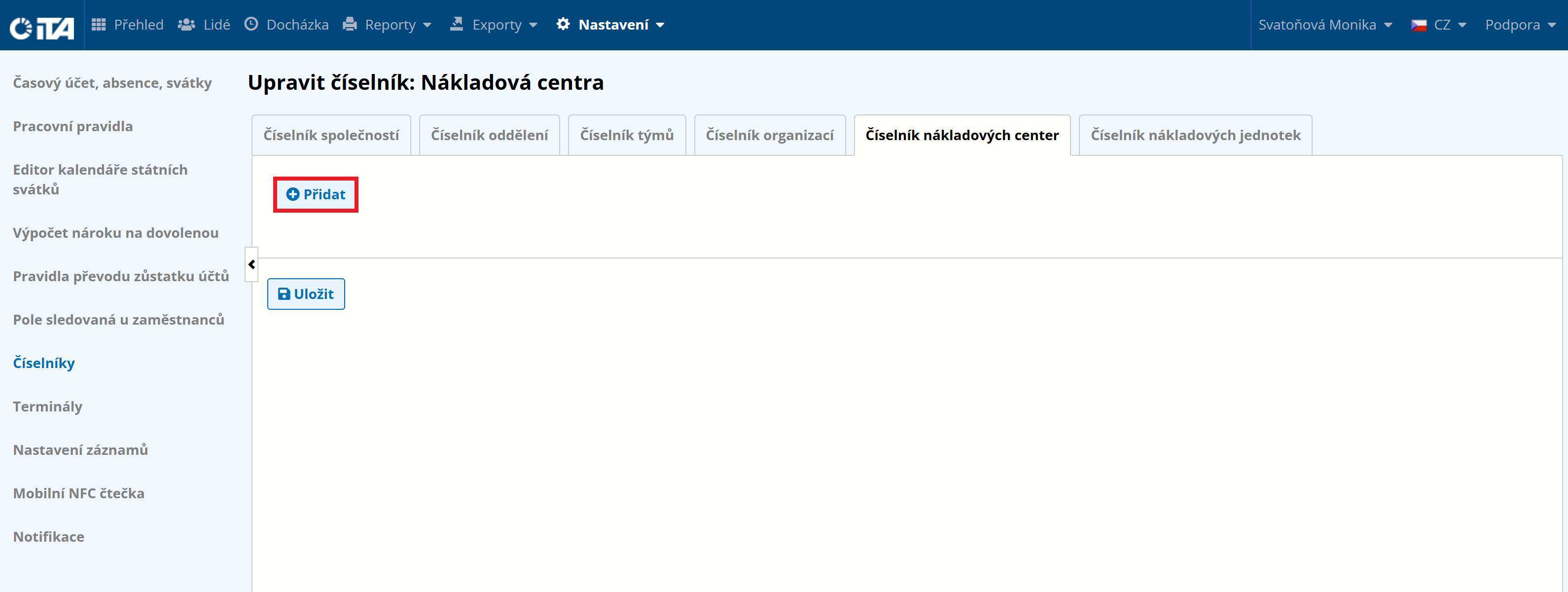
Fill in the names:
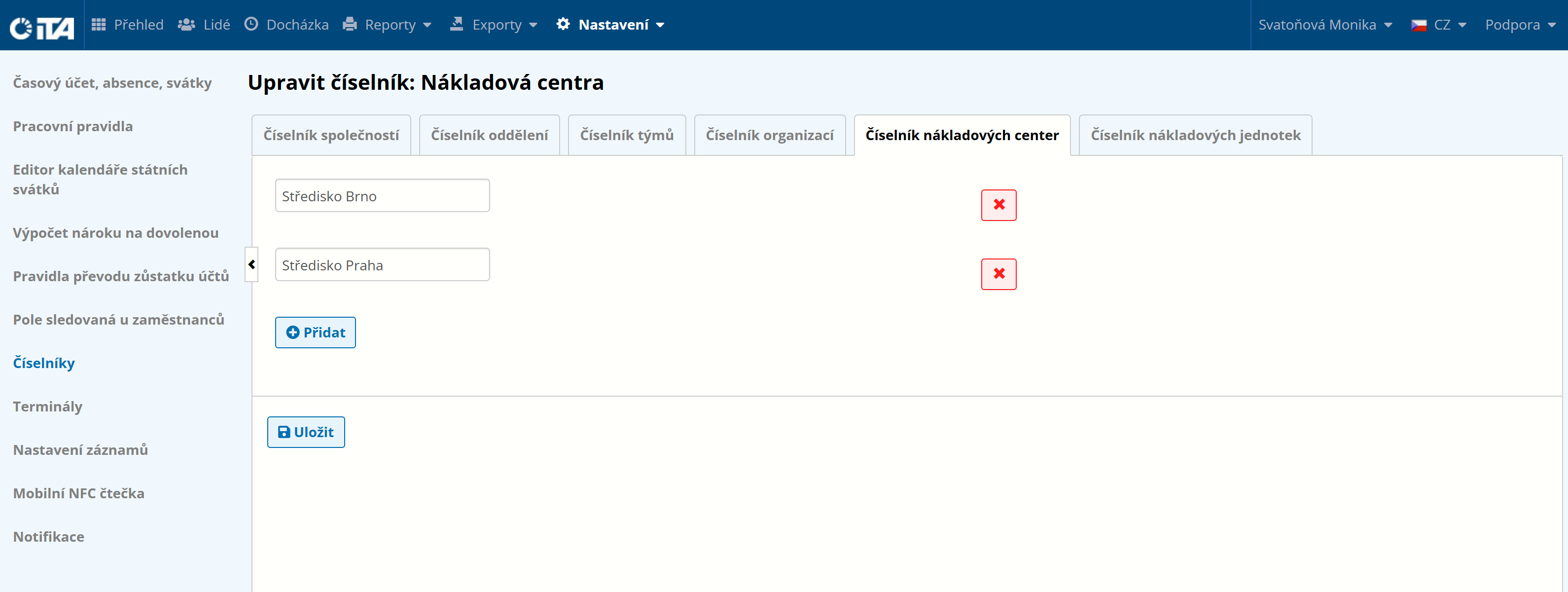
Click Save.
Cost Unit Code List#
Lets you split employees by assignment to individual cost units.
On the Cost Unit Code List tab, click Add:
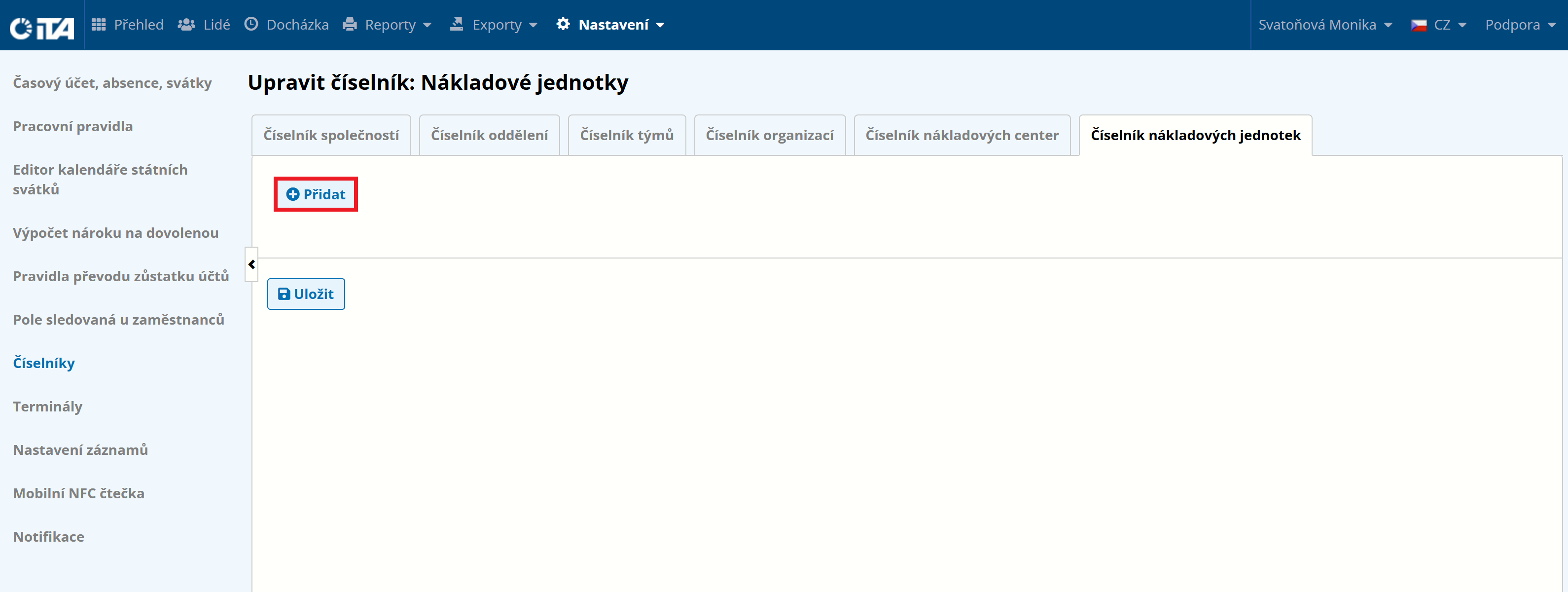
Fill in the names:
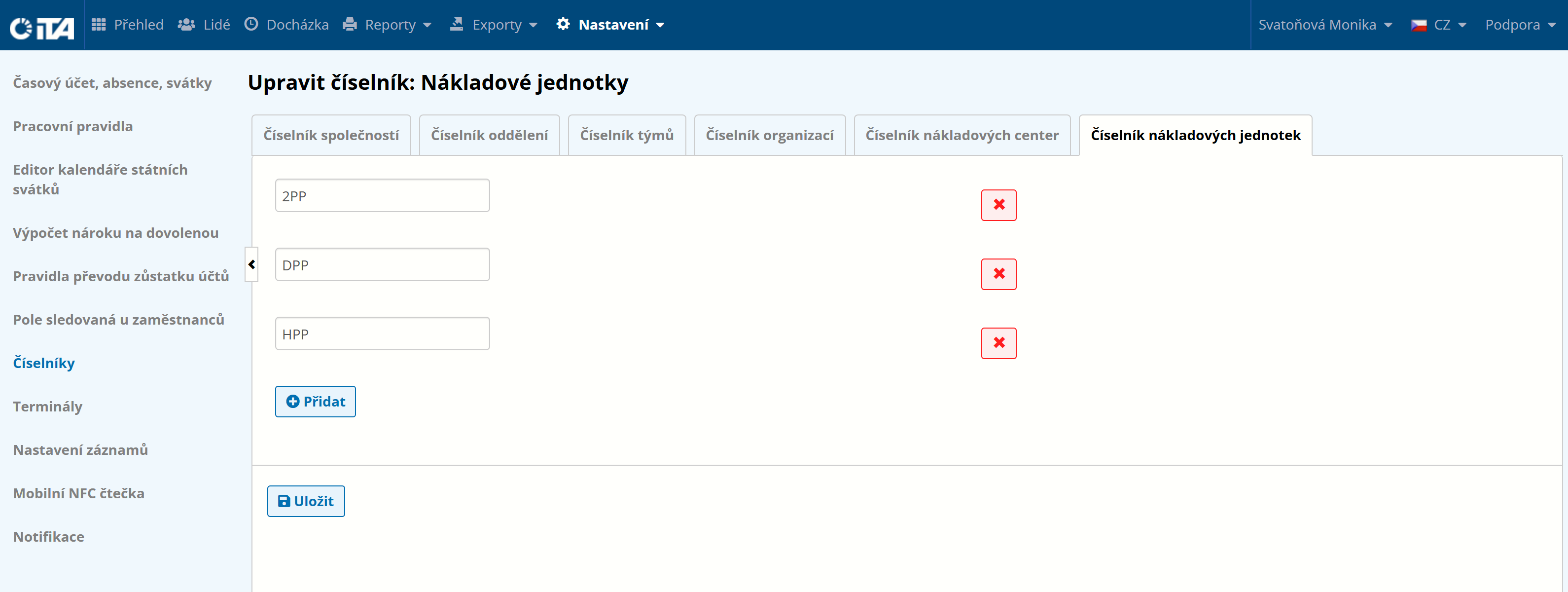
Click Save.